You will start by creating an empty new Framework for the tutorials.
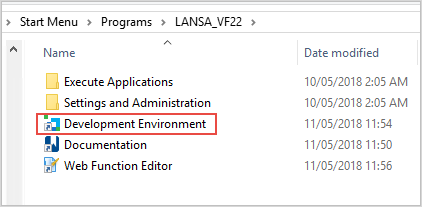
1. Log on to the LANSA Development Environment:
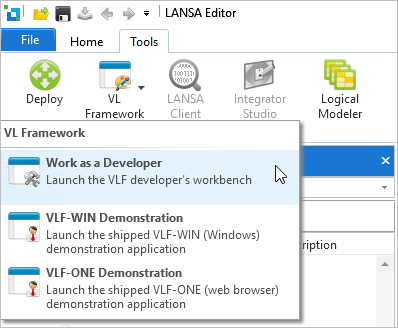
2. In the LANSA Editor, start the Framework as a Developer:
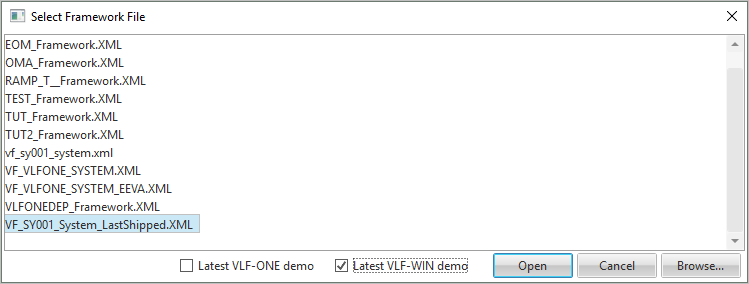
3. Choose the latest VLF-WIN demo VF_SY0001_System_LastShipped.XML.
4. When the Framework workbench starts, display the Framework Common Activities.
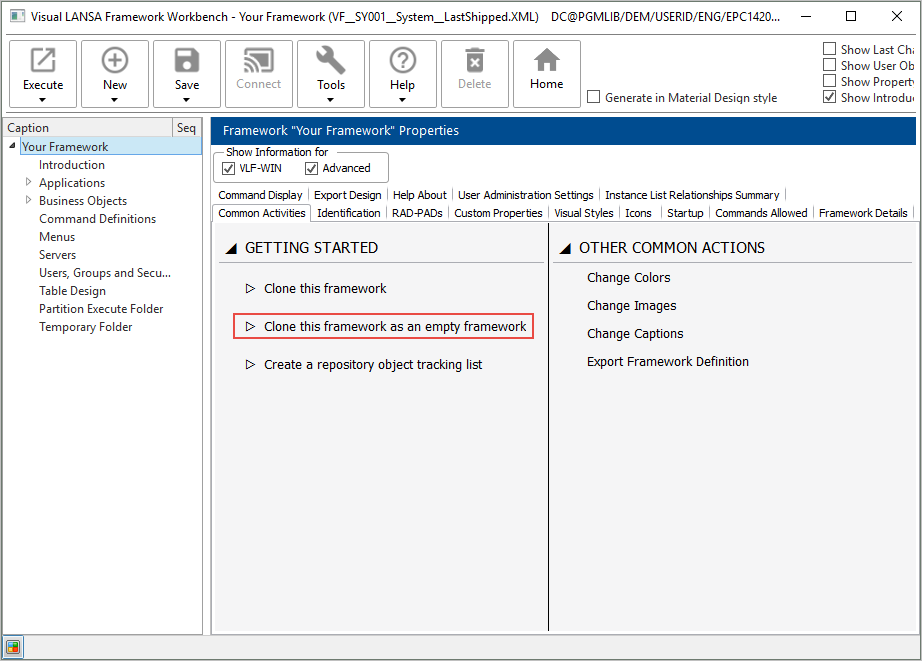
5. Expand the option Clone this framework as an empty framework, and specify a prefix for the new framework corresponding to your initials.
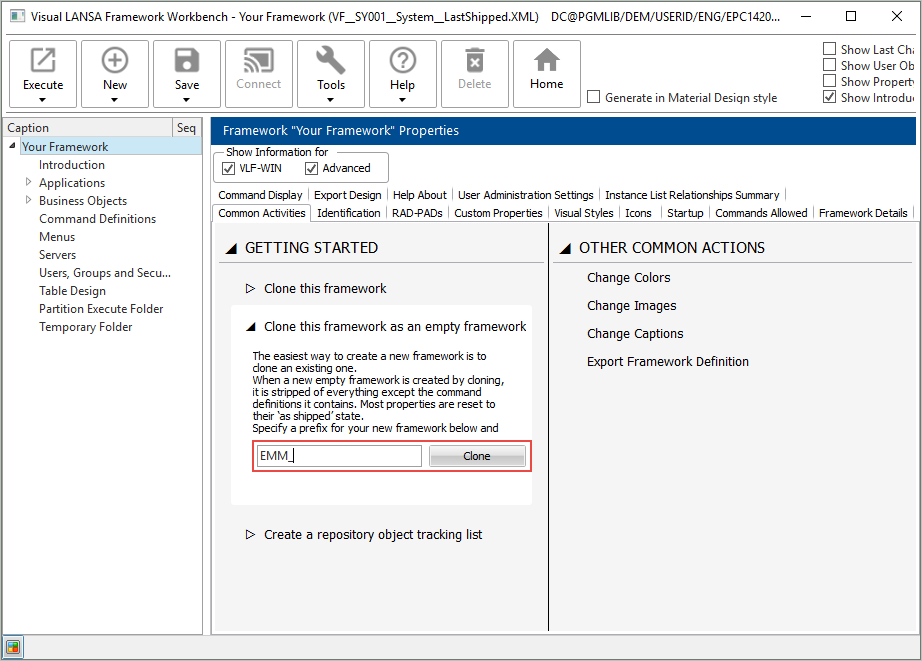
6. Click Clone and wait until the new Framework has been created.
7. Display the Framework Common Activities again and click Create a repository object tracking list.
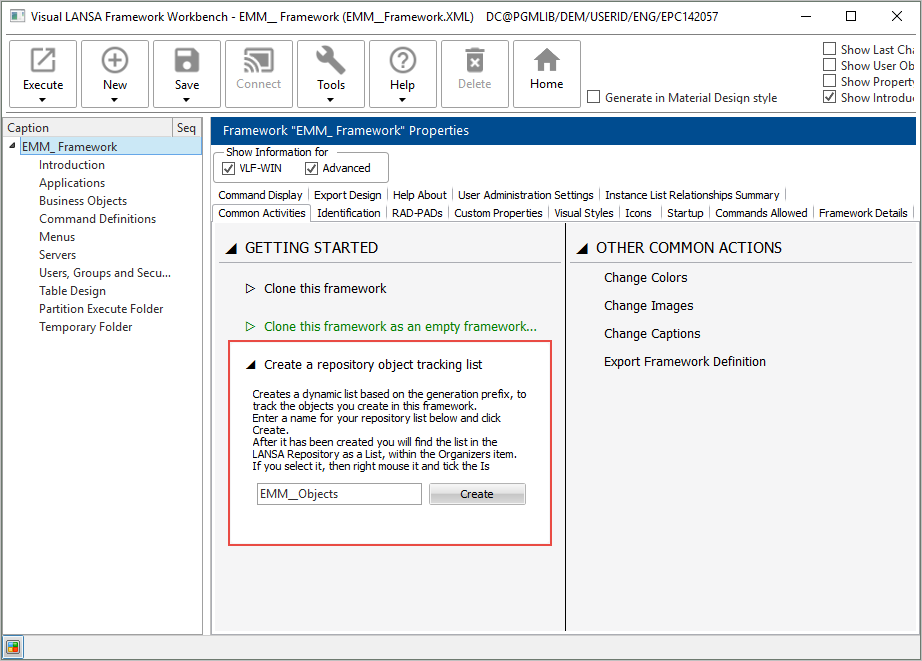
8. Specify a name for the list which will contain the objects you create. Click Clone and wait until the new Framework has been created.
9. Wait until the list has been created.