If you are:
- a new LANSA developer with no LANSA software already installed,
- an existing LANSA development site with no Visual LANSA development workstations already installed,
- or wish to perform a Typical installation,
Please, review 2.1 Install or Upgrade?
When the LANSA Windows Software DVD is inserted into a Windows PC, an autorun program will open the following window. If it doesn't open, invoke <drive>:\setup.exe to open it:
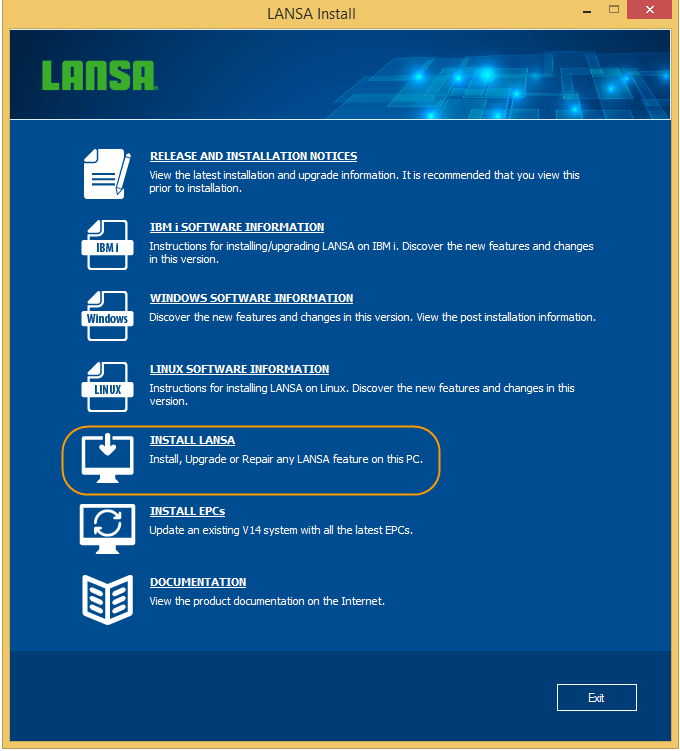
Select Install LANSA from the initial Install menu.
If this is not a French or Japanese Windows system, the installation will start in English.