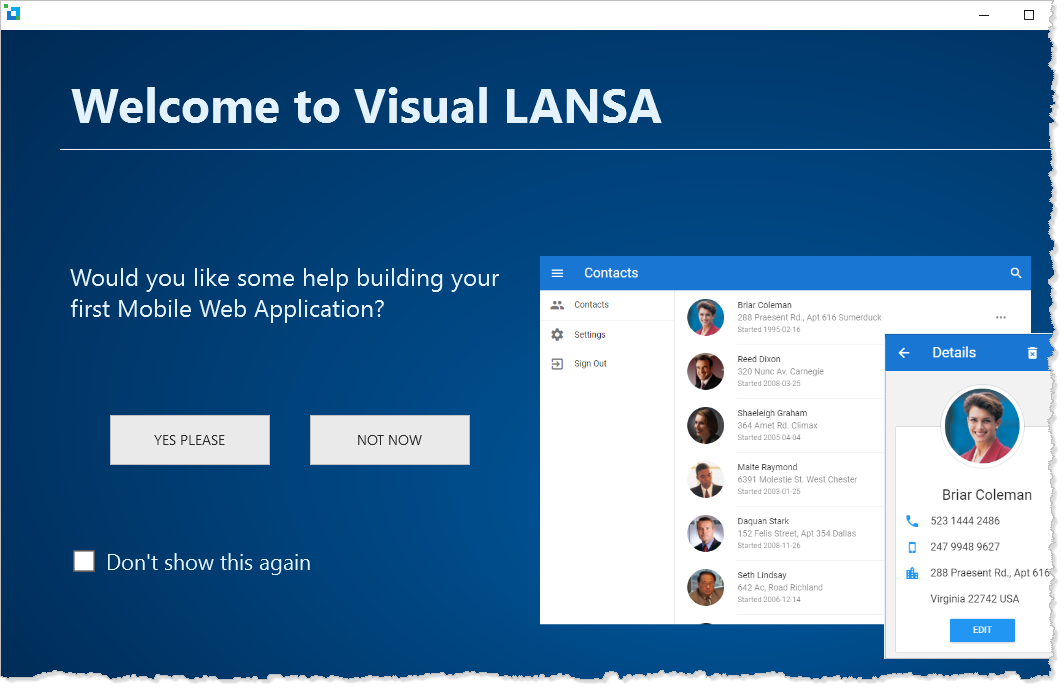
When your install or update is complete, the LANSA Editor opens with the option of doing a guided tutorial to create a simple web application. Simply click on YES PLEASE to start. It will only take a few minutes.
At the end of your first mobile web application, you compile it. Then this screen is displayed:
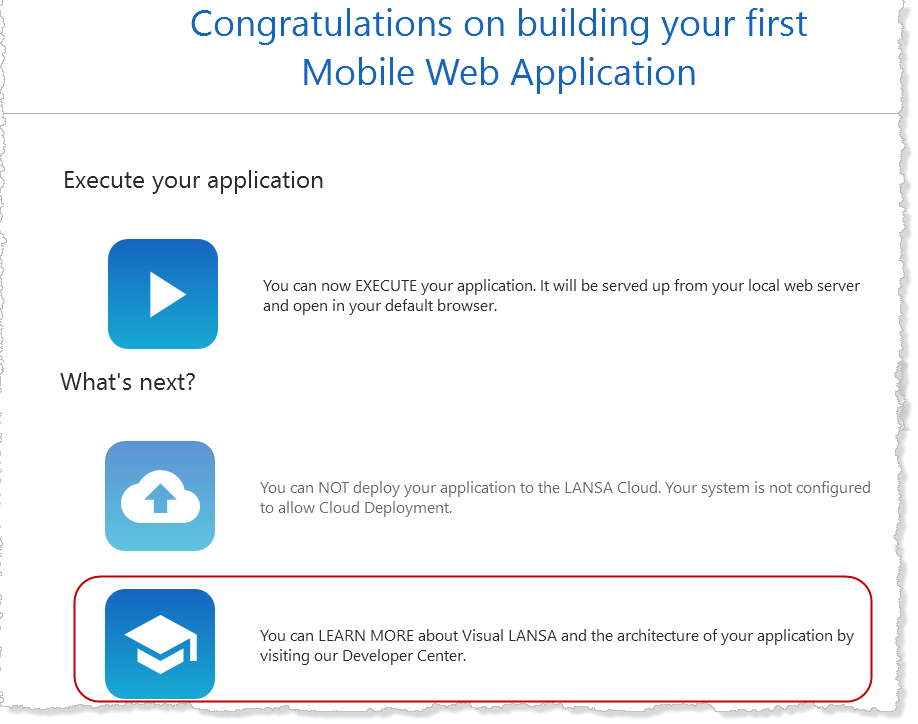
You can choose to execute your newly created Mobile Web application, but you must record a license first - unless you are using a Trial version which comes with a 45-day license.
We recommend that you also learn more about Visual LANSA via a series of videos. Click the LEARN MORE option to see those available. They don't take long to watch and will save you time in the long run.
For the latest information on this release, check out the Lansa Support web pages. You will find that they contain information about items such as product and EPC releases, support desk tips and documentation and so on.
Licenses
Have you recorded your LANSA licenses? Do you need to update your license? You may also need licenses for other software you will be using, such as a database license.
Refer to Product Licensing for more information.
Other software
If you've installed the Visual LANSA Logical Modeler as part of Visual LANSA you will need to install Microsoft Visio to use it.
Visual LANSA Framework
If you are a new Visual LANSA User, you may wish to begin development by using the Visual LANSA Framework. For more details, refer to the Visual LANSA Framework Guide supplied with the LANSA documentation.