The toolbar on the documentation can be used for navigation, printing, and for turning search highlights off:
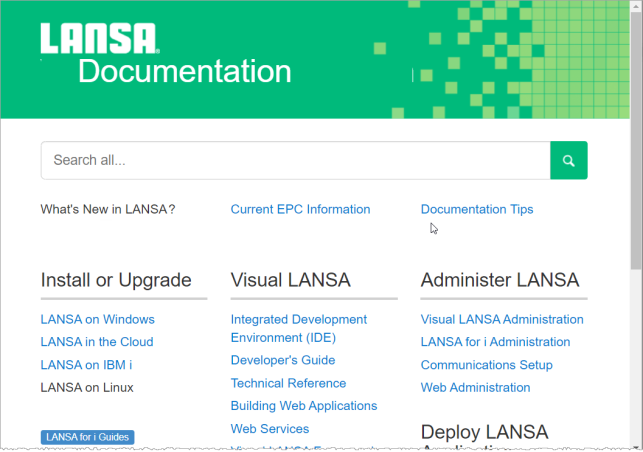
LANSA online documentation is available at docs.lansa.com.
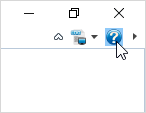
You can access the documentation using the help button in the top right of the editor window:
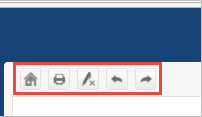
The toolbar on the documentation can be used for navigation, printing, and for turning search highlights off:
| Home takes you back to the Documentation Home Page. |
| Print formats the topic for printing and displays the Print dialog. |
| Remove highlights removes search highlights from the page. |
| Navigate previous takes you the previous page in the navigation sequence. |
| Navigate next takes you to the next page in the navigation sequence. |
See Tips for Using LANSA's Documentation.


