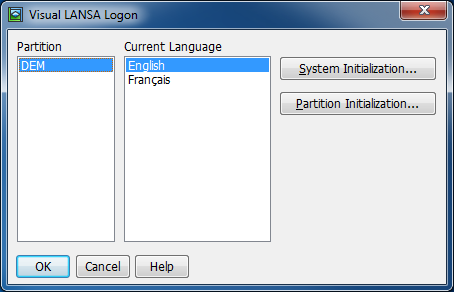
Click Cancel! LANSA must be closed in order to remove folders required when initializing the Git working folder.
These instructions describe how to set up 2nd and subsequent developers to use A VCS Master. It presumes that the VCS already contains the LANSA Repository. This also means that when the VCS already contains the LANSA Repository, that this is the place to start to set up your first Cloud instance.
Click Cancel! LANSA must be closed in order to remove folders required when initializing the Git working folder.
You may perform this step from within the Development Environment or using the Git command line.
To perform this cloning step from within the Development Environment see Version Control – Git Integration in the User Guide.
To perform this step using Git command line, do the following:
1. Start a Command Prompt and replace the https path with the path to your GitLab repository.
cd C:\PROGRA~2\LANSA\LANSA\LANSA\LANSA |
2. You will be prompted for your user id and password.
The cloning operation will begin and you should see something similar to the following, especially if it's the LANSA Demonstration Repository.
Cloning into 'VersionControl'... Username for 'https://gitlab.com': lansa2Password for 'https://lansa2@gitlab.com': |
As the objects are written to the working folder they will be automatically synchronized into VL.
LANSA and the VCS are now linked up together.