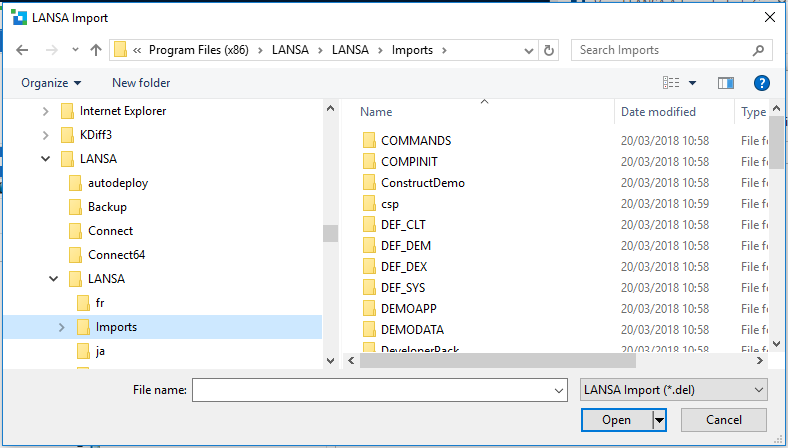
You must specify the directory that contains the files to be imported into the LANSA Repository.
By using the LANSA Editor Tools menu and selecting the Import option, you can execute an import while within the LANSA development environment.
You must specify the directory that contains the files to be imported into the LANSA Repository.
The files in this directory should have been created by LANSA export. A lxxdir.del file should be included in the file set to identify the import.
Specify the directory that contains the files to be imported.
Specify the file name containing the import listing. By default, LANSA imports create a lxxdir.del file that contains import listing.
Specify the type of file to locate. The default for the import listing file is a *.del file.