2. Display the Icons tab.
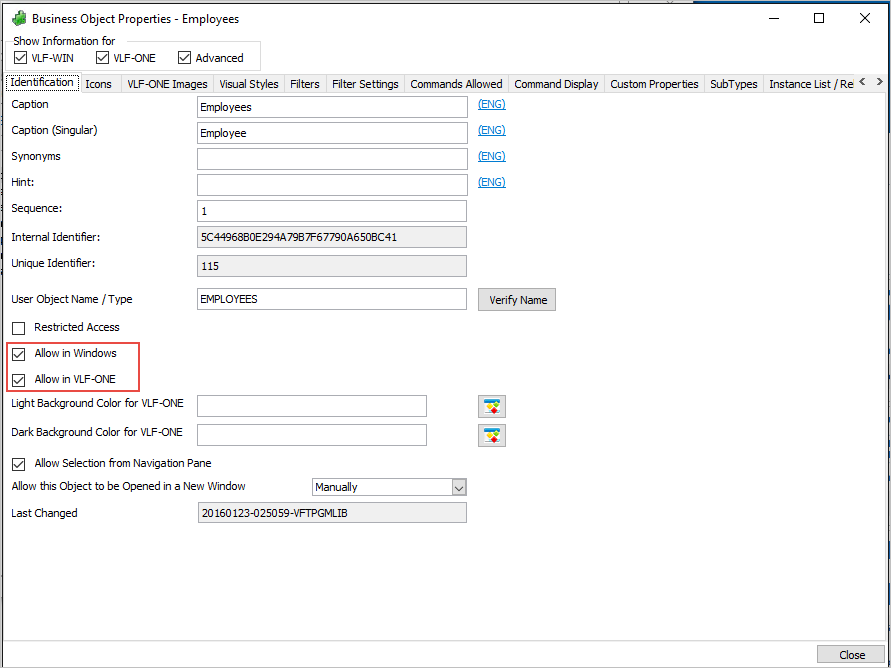
1. Double-click the Employees business object to display its properties. Note that the Allow in VLF-ONE and Allow in VLF-WIN options are selected by default. These options control in which environment the business object can be used.
2. Display the Icons tab.
3. Select an icon for the Employees business object.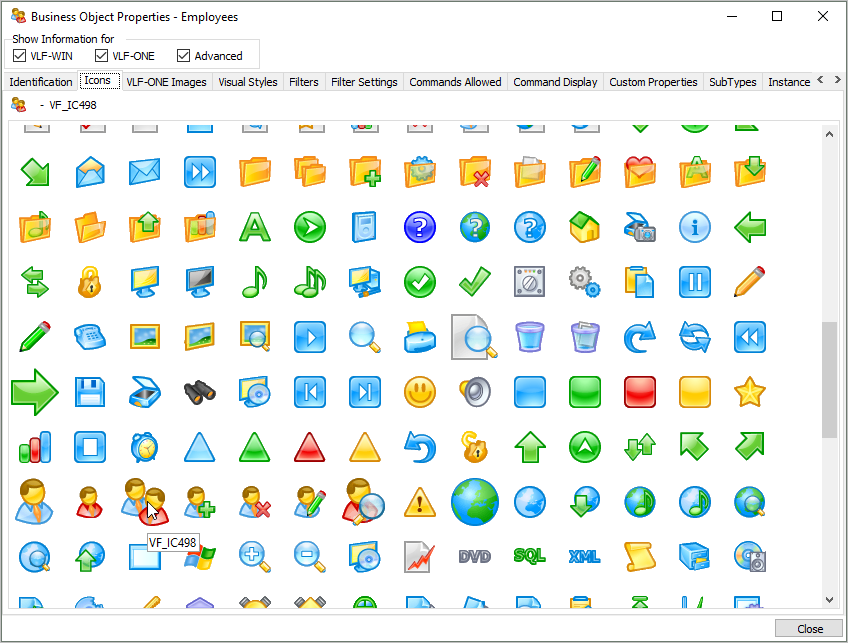
This icon will be used when the application is run in VLF-Win Frameworks.
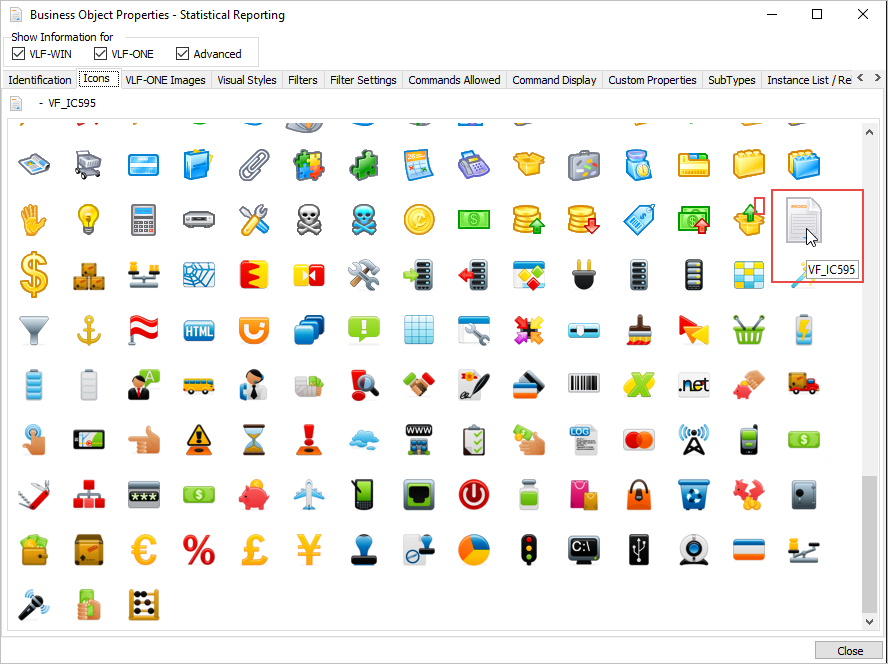
4. Without closing the Employees business object Properties dialog, click on the Statistical Reporting business object in the iiiHR application.
5. Choose a Windows icon for it.