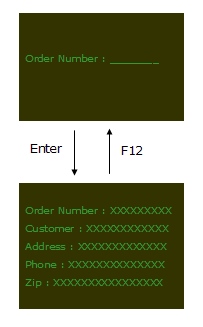
The user repeats order inquiries by using the F12 function key.
This example shows how two very simple 5250 screens are modernized in RAMP.
The first screen GETORDER asks for an order number to be input and the second screen SHOWORDER displays the order details:
The user repeats order inquiries by using the F12 function key.
To modernize the application we identify the 5250 screens and script their interaction to RAMP:
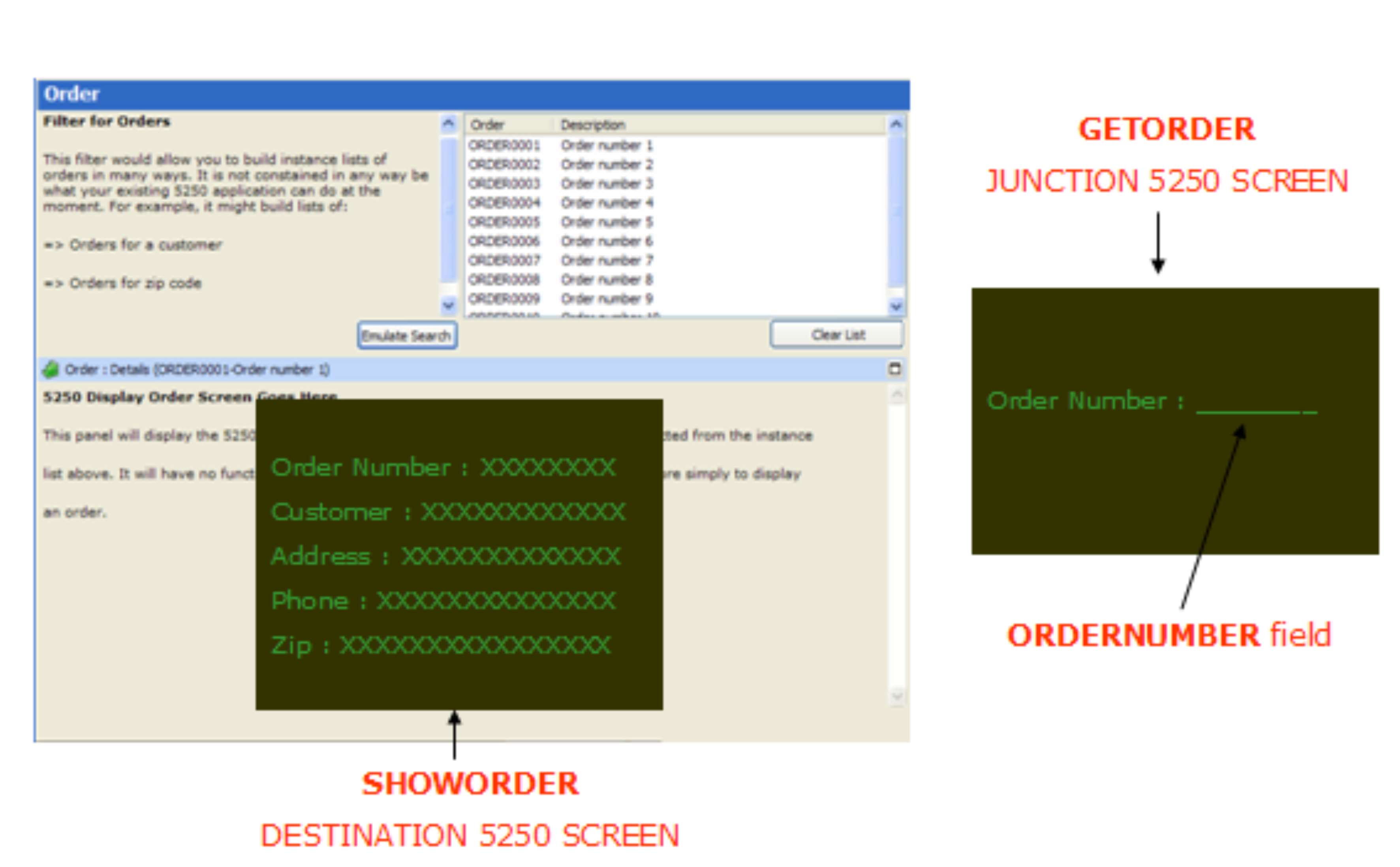
In the modernized application the user selects orders from the instance list and the SHOWORDER screen shows the details of the selected order.
GETORDER has a script with a vHandle_NAVIGATETO Function which shows the SHOWORDER screen.
The SHOWORDER screen has a script with a:
See the tutorial RAMP-WIN009: Tracing Navigation for details of this type of navigation.