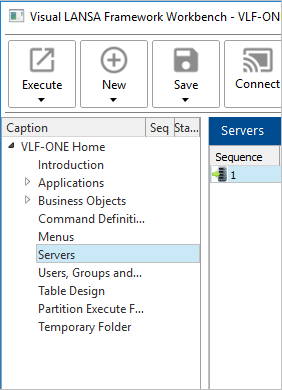
Select Servers in the tree on the left:
If you have not already set up your server, follow these instructions.
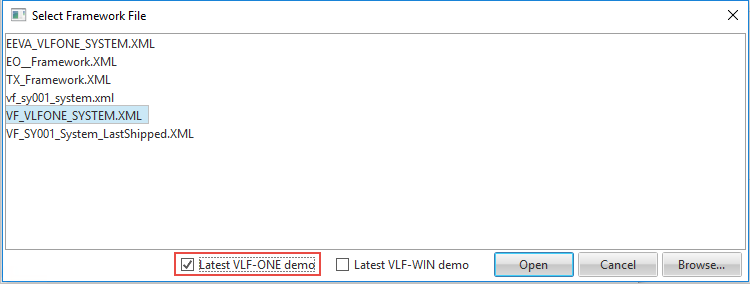
Start the Framework as a developer and select latest VLF-ONE application:
Select Servers in the tree on the left:
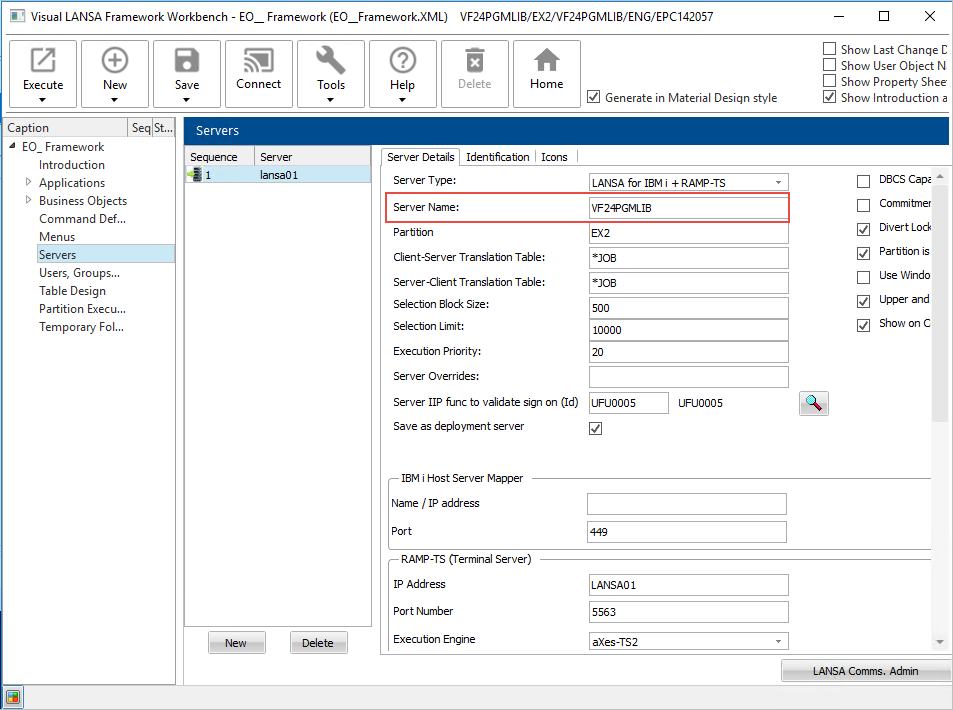
Change the shipped server definition to match your installation:
In the Server Details tab change the server name:
And the RAMP-TS server IP address and possibly the port number:
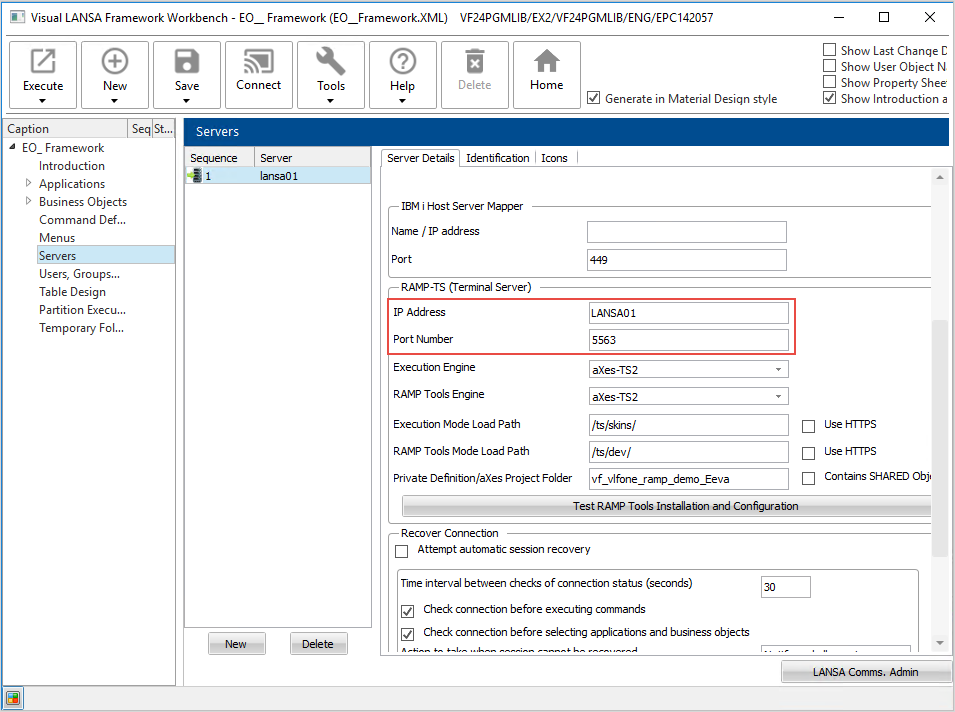
Then test the RAMP installation:
