In this tutorial, we will:
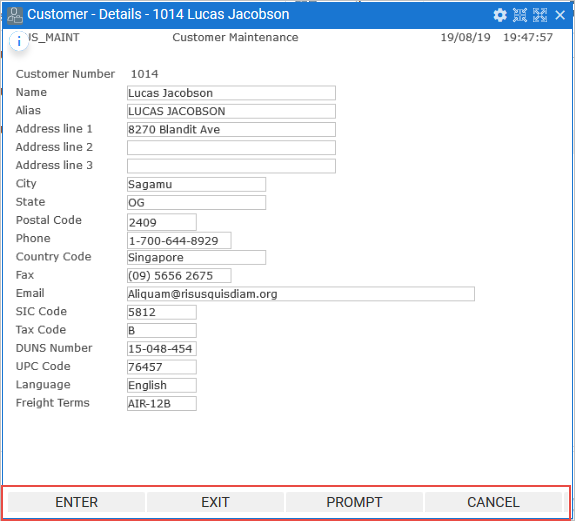
When a screen is classified as a Destination, RAMP creates a button for each function key found in the screen.
By default, all buttons and function keys are enabled when you snap in a 5250 screen.
There will be users who prefer using the function keys as they did when using the application on an IBM i and most likely a lot of other users who won't. Some users may not even know what a function key is.
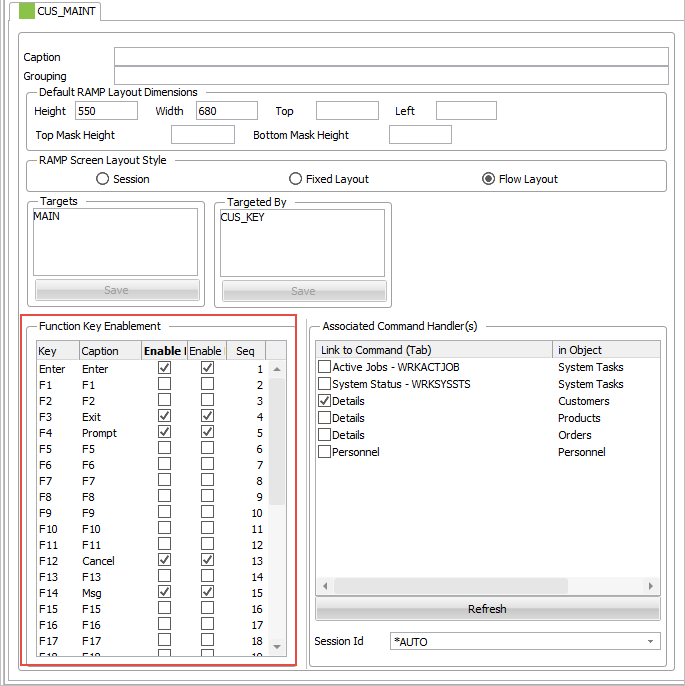
Use the optoins in Function Key Enablement in a destination screen's details tab to:
In this tutorial, we will:
We will use the Customer details screen, here with function keys and buttons enabled: