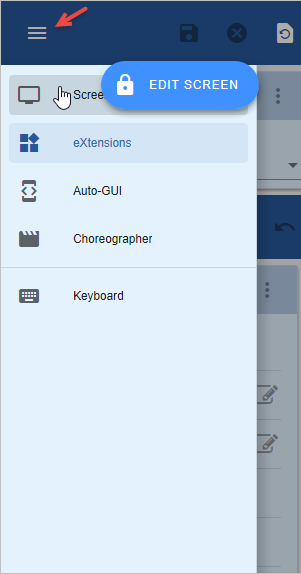
Start a host session in RAMP tools and sign in.
Display customer maintenance by typing In the command line:
lansa run df_ramp dfrcusm partition(dem)
Type 1001 in the customer number field and press Enter.
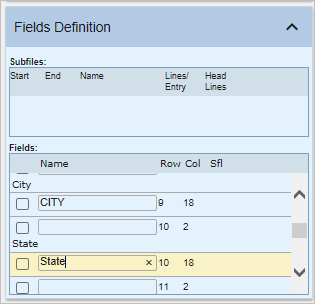
In the Customer Maintenance screen:
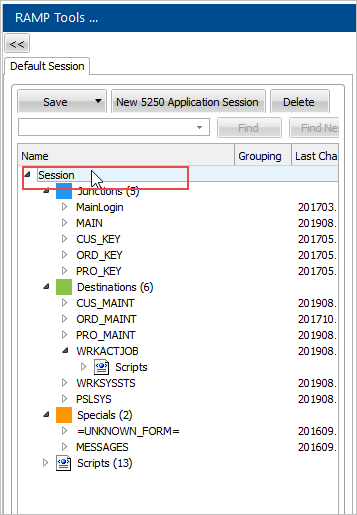
In the Session tree view, click Session.
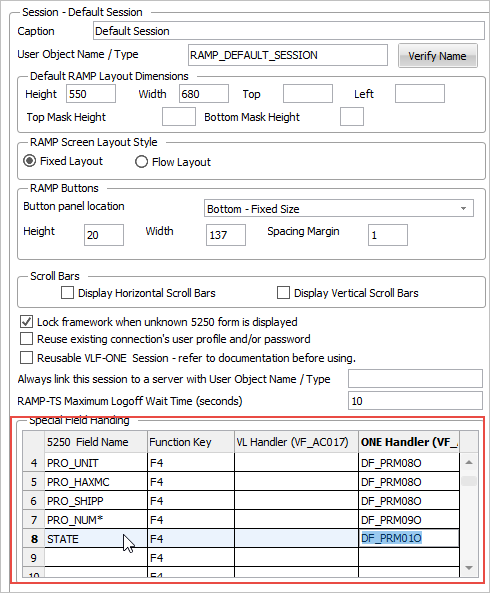
In the Special Field Handling grid you fill in the name of the 5250 field and the handler.
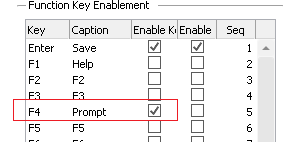
Switch to the details of the CUS_MAINT screen and enable the F4 key:
Save the framework.