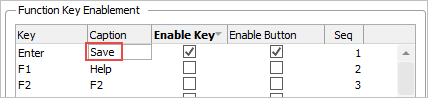
Change the Caption of the Enter key button to Save:
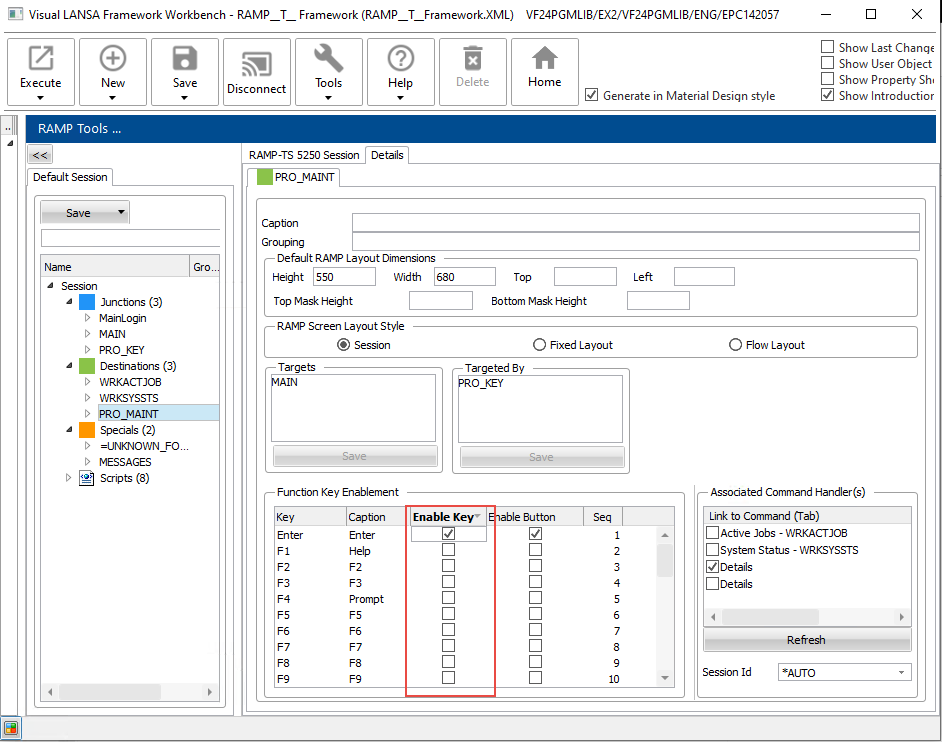
In this step you will uncheck everything in the Enable Key column except for Enter so the user cannot navigate away from this screen – only a script can.
In RAMP Tools select PRO_MAINT on the left and display the Details tab. Uncheck all enabled buttons except Enter.
Change the Caption of the Enter key button to Save:
In the RAMP session details, set the location of the Button panel to Bottom:
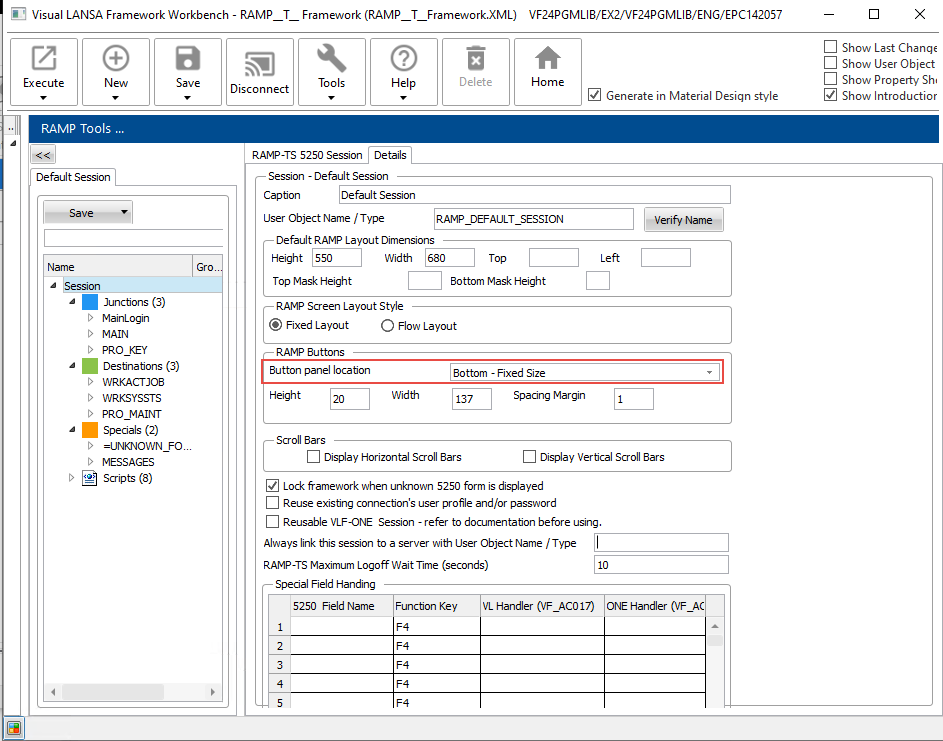
This will set the button location for all destination screens.