To generate a new application:
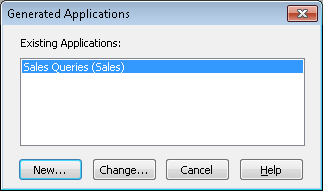
When you are ready to generate an application, or if you want to amend an existing application, select the Generate command from the File menu on the menu bar. The Generated Applications dialog box is displayed with a list of existing applications, if any.
To generate a new application:
A Generate Application dialog box is displayed with a list of the standard menu items, such as File, Edit, Options and so on, ready for you to use.
To amend an existing application:
The Generate Application dialog box is displayed with the details of the application you have selected.
To dismiss the Generated Applications dialog box:
6.2.1 Generate Application Dialog Box