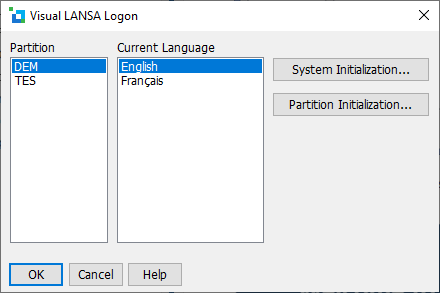
1. If you are using LANSA with a free trial version or with an Independent Windows Workstation installation, select the partition you are using and click OK.
When you initially start a new installation, this screen will be shown:
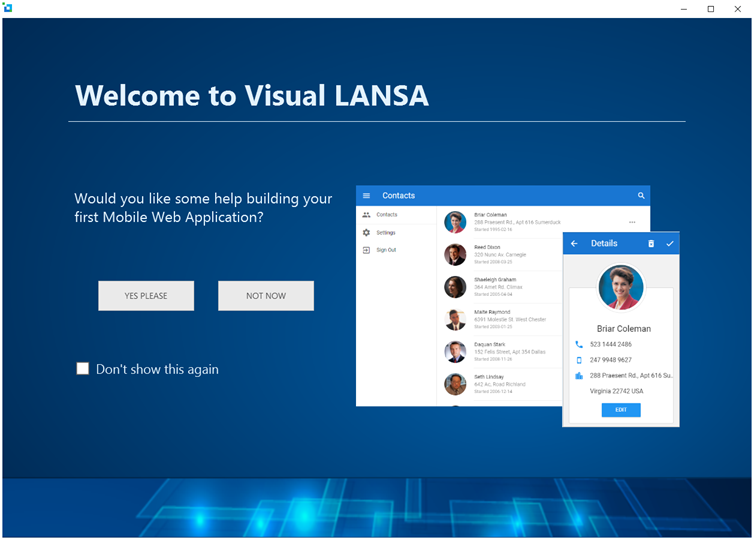
2. To go straight to the Visual LANSA Editor, click the NOT NOW button.