ClickOnce deployment strategy is not viable in some circumstances, such as ones where strict security policy is in place and all applications have to explicitly be given permission to run.
Under ClickOnce deployment method, .NET framework downloads the application files to the current user profile directory and then runs the application from there, making it very hard for the system administrator to define a rule in the security policy to allow the application to run.
A new feature in this release will address this problem by enabling the network administrator to generate a version of VLF.NET that can be launched locally and does not employ ClickOnce deployment technology. It is important to note however that this alternative deployment method does not change the fact that you will still need to have a LANSA web server to serve the content of your framework.
The generated application files can then be manually copied (XCOPY deployment) to a location accessible by end-users, such as a network share. This way of deploying VLF.NET will also come in handy when Citrix environment is used as it means only one copy of VLF.NET needs to be present in the server as opposed to one copy per user if ClickOnce deployment is used.
Below are the steps to produce VLF.NET application files for manual deployment:
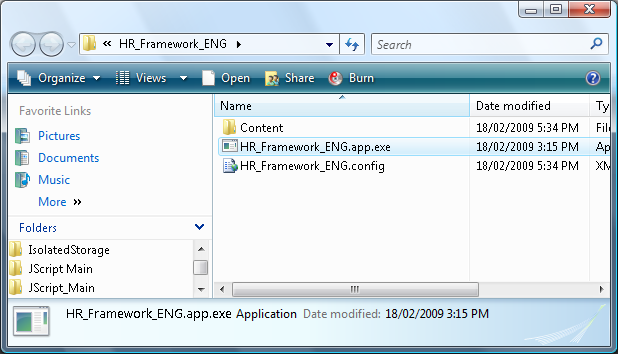
Since the application is going to be launched locally, there is no notion of a URL and query string. To allow you to specify parameters when launching VLF.NET locally, a configuration file is employed as a means to specify these parameters. The name of the configuration file is the same as the name of the executable file but ends with .config extension. If you rename the executable file, make sure to rename the configuration file as well to match the executable file.
When you generate the application files (by specifying the parameter GenerateDesktopApp=Y) a default configuration file will be generated for you based on the parameters that you specified in the query string of the URL at the time of generation. If later you need to change the values of the parameters, open the configuration in a text editor (such as notepad) and carefully change the values of the parameters.