In this step, you will position the current line in the editor using shortcut keys and the Go To tab.
1. Position the cursor on any DEFINE_COM statement towards the bottom of the window.
2. Press Ctrl + T to move the DEFINE_COM statement to the top of the editor window.
3. Press Ctrl + M to move the DEFINE_COM statement to the middle of the editor window.
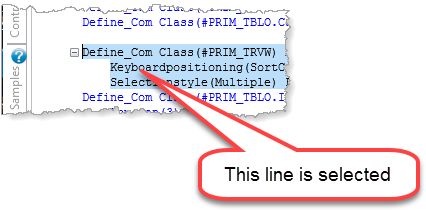
| Hint: Clicking to the left of any statement will select the whole line, making the above moves easier to see. |
4. Display the Go To tab and pin it in place. If necessary, open the Go To tab from the Tabs menu. Expand the Routine node:
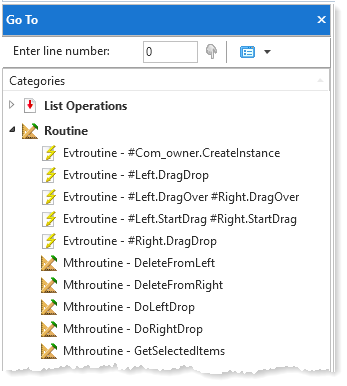
5. Double-click on the Evtroutine - #Left.DragDrop.
The editor will position at first line of this routine in the source code.
6. Press Ctrl + B to move the event routine line to the bottom of the editor window.
7. Press Ctrl + T to move it to the top of the editor window.