If you are upgrading LANSA Composer from an earlier version, you must upgrade first to version 6.0 or 6.1 and then to version 7.0. Upgrading directly from versions earlier than 5.0 to version 7.0 is not supported. |
As with any upgrade, you are strongly advised to make a backup of the LANSA Composer server installation before proceeding with the upgrade. You should also run the LANSA Composer Database Housekeeping task to cleanup, maintain and reorganize the LANSA Composer database. |
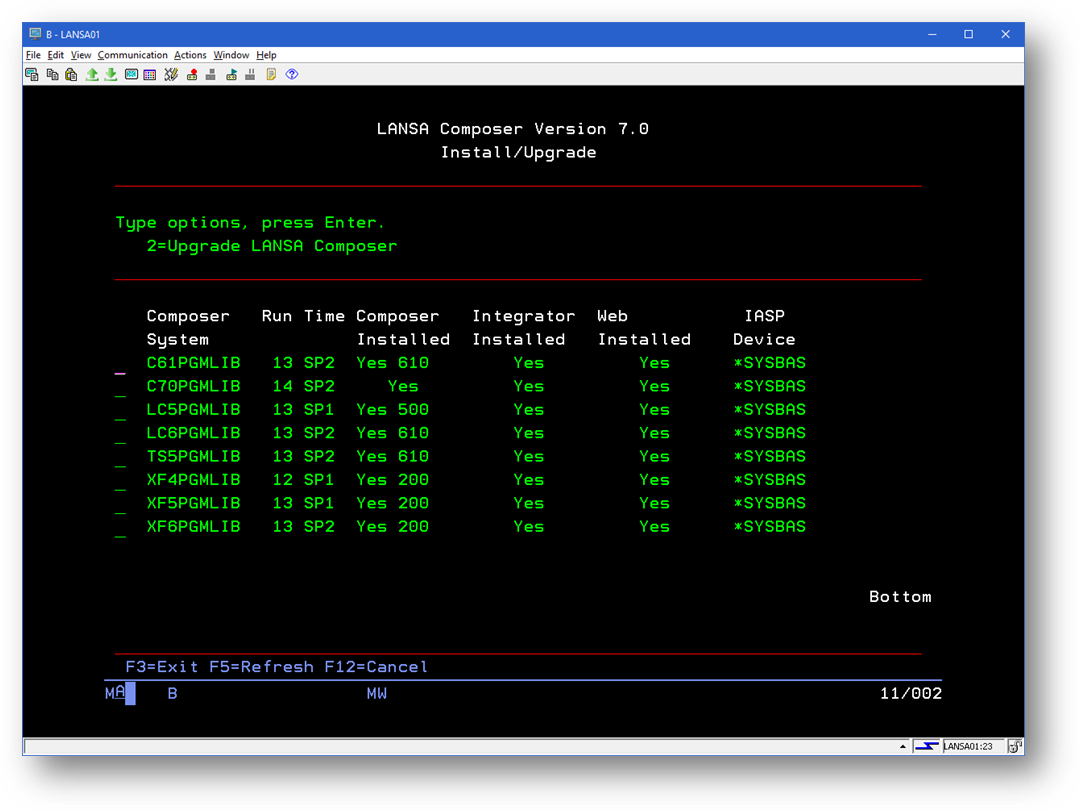
The LANSA Composer installation program presents a list of LANSA Composer systems found on the IBM i computer. Type a 2 next to the system to which you wish to apply the upgrade. (Unlike the illustration, your system will probably have only one or two eligible LANSA Composer installations to choose from.)
The installation program prompts for the name of the partition in that system that contains the installation of LANSA Composer that is to be upgraded. In a standard LANSA Composer installation, there will be only one partition named LIC. To proceed, complete the details as described below.
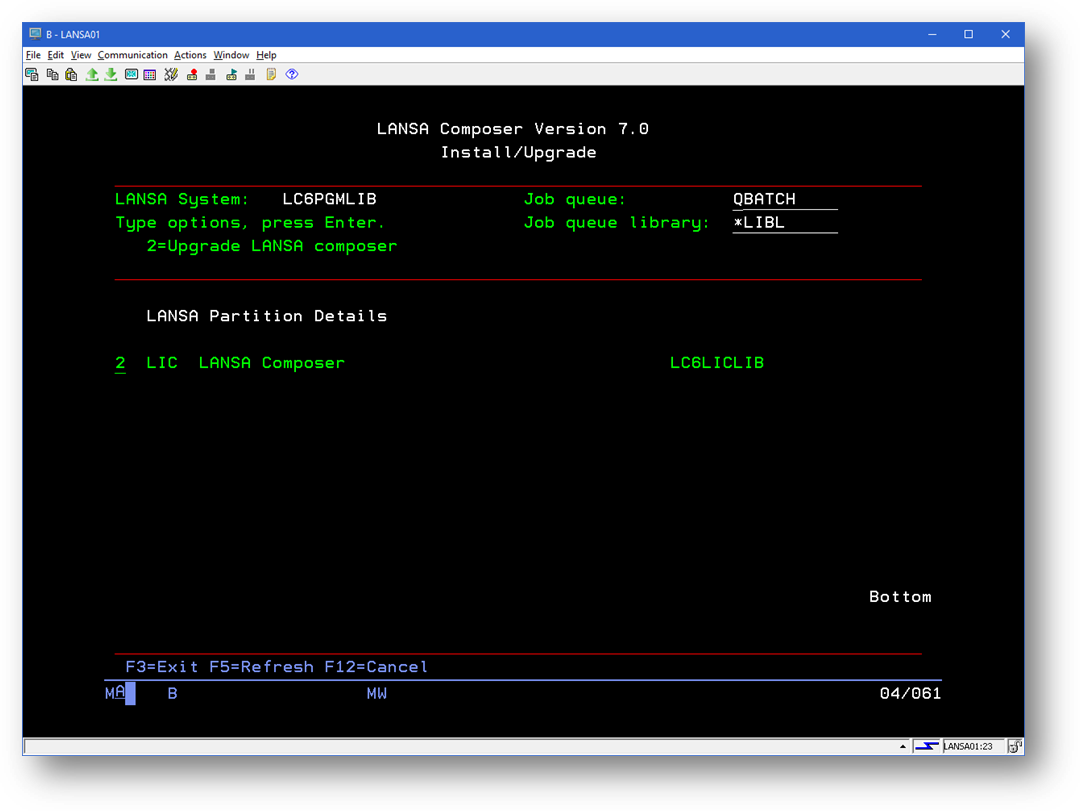
Specifies the name and library of the job queue to which the LANSA Composer upgrade will be submitted.
In a standard LANSA Composer installation, there will be only one partition named LIC. Type a 2 next to the partition that you wish to upgrade and press Enter. A confirmation screen will be displayed – press F8 to confirm your choices and submit the upgrade job to batch.
Do NOT attempt to use LANSA Composer in any way until the installation or upgrade has completed. Do NOT start the HTTP server, the listener or the JSM. Do not attempt to connect a LANSA Composer client to the LANSA Composer server. Do NOT attempt to use the COMPOSER or LANSA commands. |
Refer to Complete the Installation for information on the next steps.
If the LANSA system containing LANSA Composer is not at the level required by this version of LANSA Composer, the install program will notify you. |