Use the panel to complete three definitions for this business object:
For more about instance lists see The Instance Lists and the Instance List Manager.
To associate a database table, enter its name at the top left of the panel or use the prompt icon to locate it:

To identify what columns should be displayed drag them from the list onto the left:
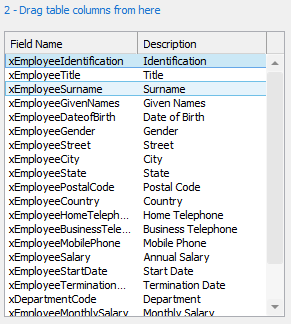
And drop them onto the 'demonstration' instance list displayed on the right:
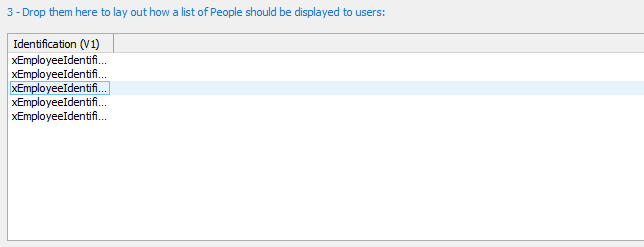
You can format the demonstration instance list to define a column's order, width, and captioning. Click on the column heading to further refine how the column should be handled.
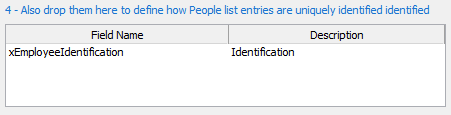
To identify what columns uniquely identify a business object drag them from the list on the left:
And drop them into the identification list at the bottom right: