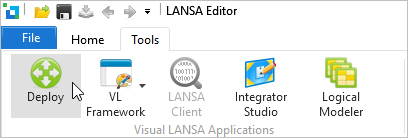
1. Start Visual LANSA and log on to the partition containing the
application to be deployed.
2. From the Tools ribbon, select Deploy.
The Visual LANSA Deployment Tool's main window will open.
3. Create an application and name it TUTORIAL.
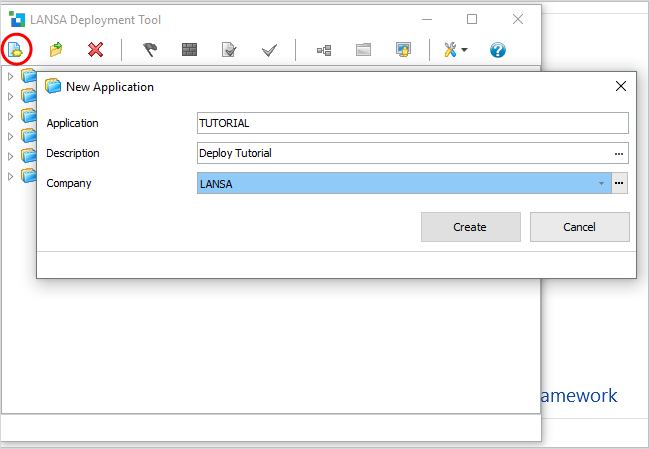
4. Click Create.
5. Choose the Deployment Tool template /XVLFONE/ which creates a
deployment package for the Windows server components of a VLF-ONE
application.
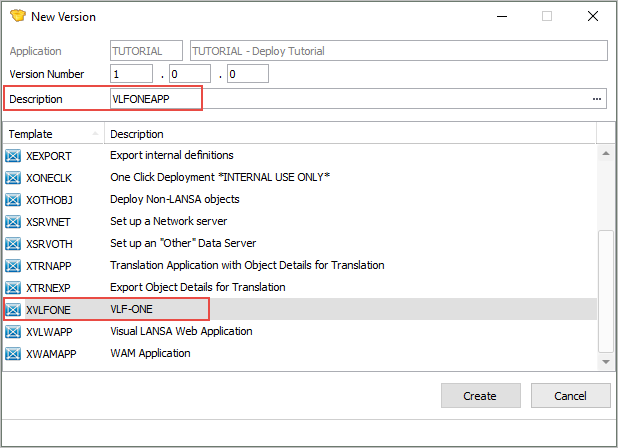
You are prompted to create a version.
6. Name the version /VLFONEAPP/ and click Create.
The package maintenance window is displayed.