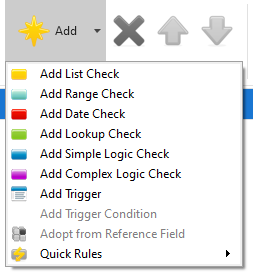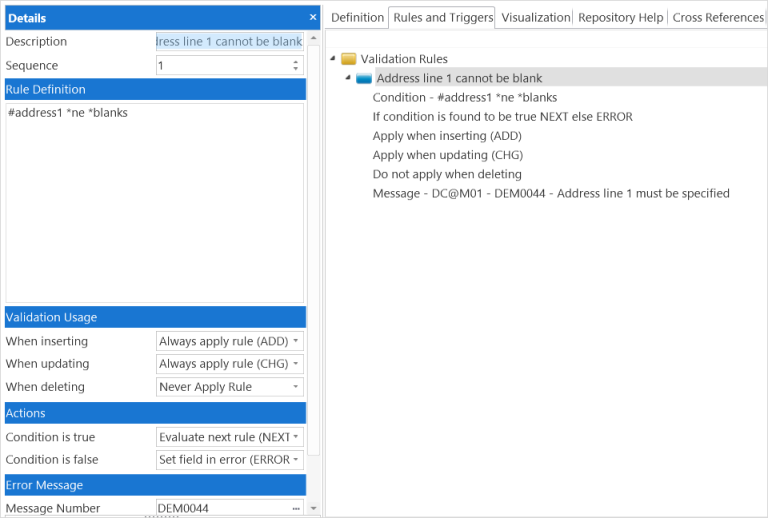
Select the Rules and Triggers tab to work with the field rules and triggers.
If a reference field has been used, you can use the Adopt Field Rules and Triggers options.
Add a rule or trigger |
| Use the Add command. |
|---|---|---|
Edit a rule or trigger | Select the rule or trigger and double-click to display the Details tab. | |
Change the sequence of rules and triggers |
| Select the rule or trigger and use the Move Up and Move Down commands. |
Remove rules and triggers |
| Select the rule or trigger and use the Delete command. |
Rules and Triggers in the Technical Reference Guide
Rule Definitions in the Technical Reference Guide
Field Rules and Triggers Development in the Developer Guide