1. From the toolbar select the File menu and choose the Save As from the list.
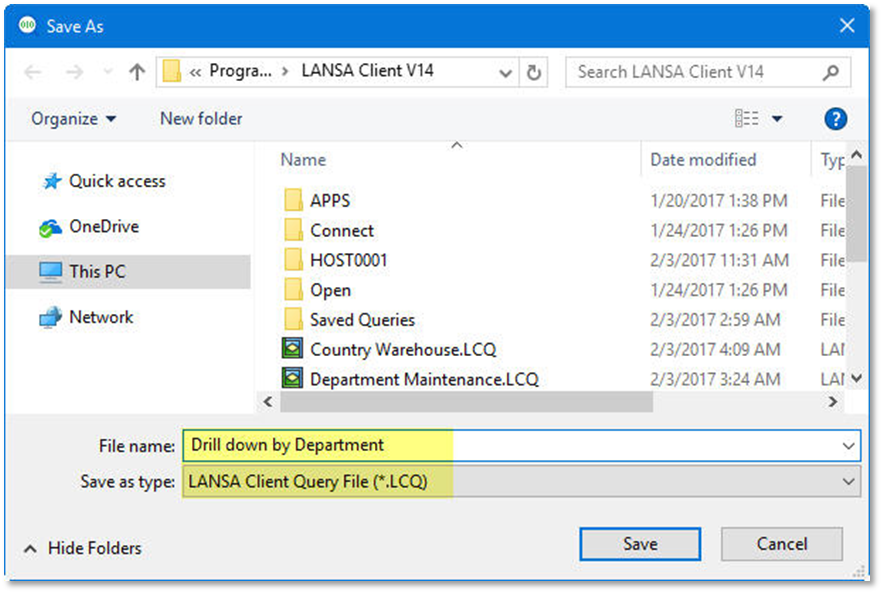
2. From the Save As dialog box, give the File name: Drill down by Department. The Save as type: will default to LANSA Client Query File (*.LCQ)
3. Press the Save button.