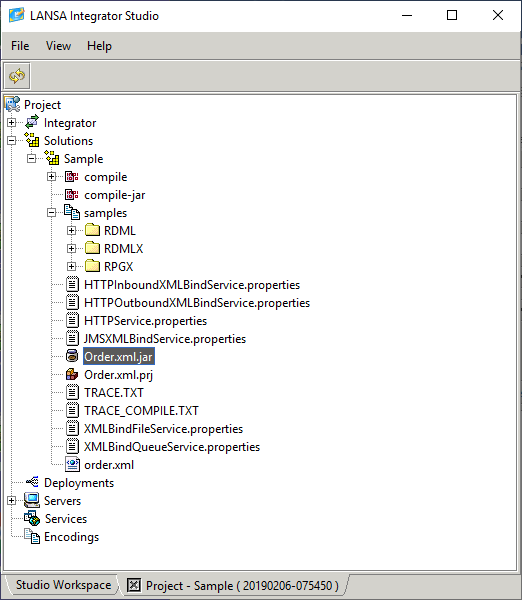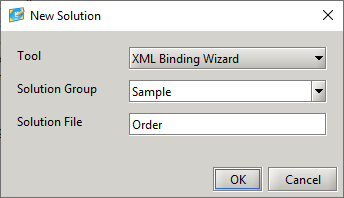
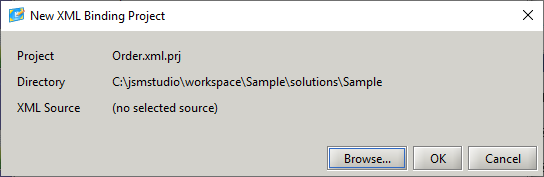
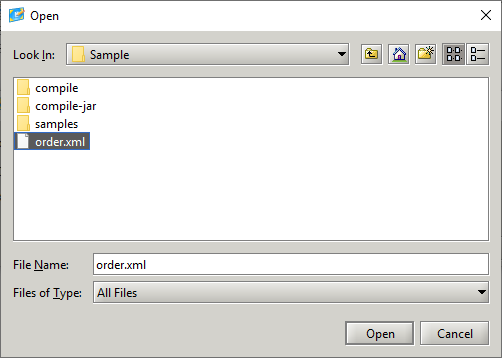
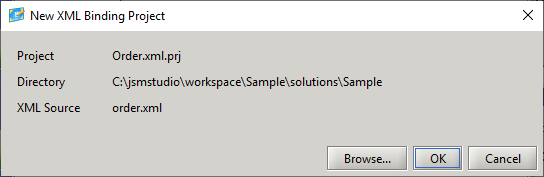
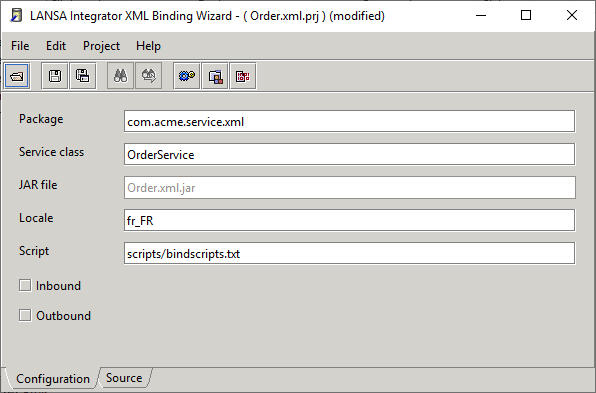
Select whether the project is for inbound mapping, outbound mapping or both.
Normally the Locale field is left blank, but if an XML element or attribute contains numbers formatted in a particular locale then enter this locale and check the Number Format option against this element or attribute.
If value formatting is going to be done using JavaScript functions, then the JavaScript file containing the functions needs to be specified in the Script field. Refer to JavaScript Function Example for notes on doing this.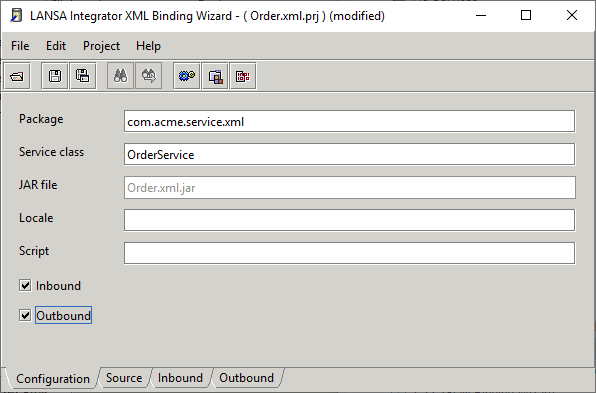
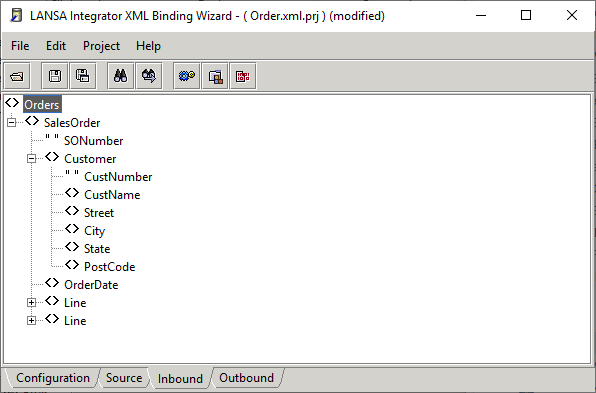
The element and attribute nodes can be marked to accept and handle data in different ways.
Different icons indicate the node types:
| Element |
| Element selected |
| Element selected and has a field name |
| Attribute |
| Attribute selected |
| Attribute selected and has a field name |
| Element marked as a List |
| Element marked as a Fragment |


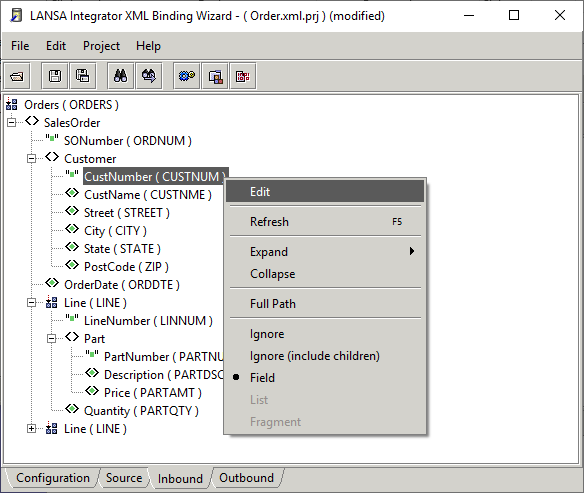
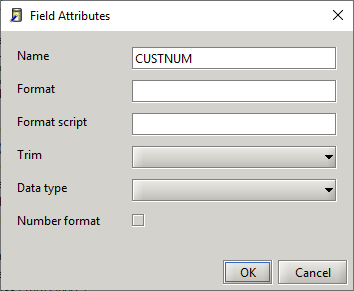
If the XML value needs to be formatted using a JavaScript function, enter the function and the value keyword. The value keyword instructs the JavaScript Engine to use the XML value. It is possible to pass a static value as a parameter.
In the following example a format pattern is being passed. Embedded blanks can exist in the function script, but any static values need to immediately follow the comma for successful parsing of the parameters.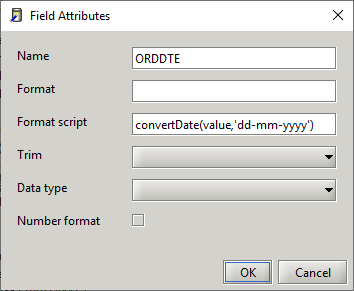
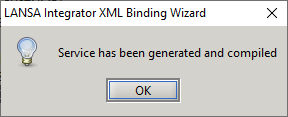
All generated code and compiled classes exist in the compile sub directory.
Files containing service properties are created in the solution directory and samples are created in the samples sub directory.