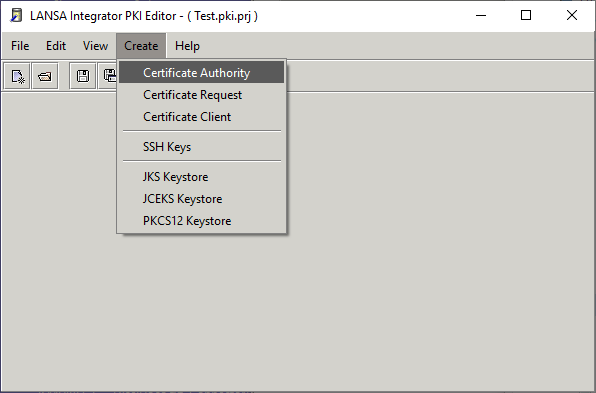
- Select Certificate Authority from the Create menu:
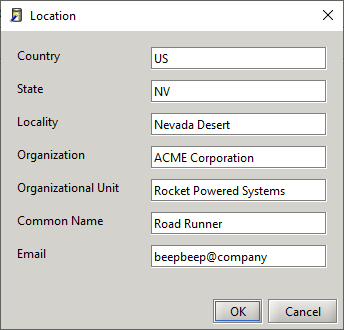
- Enter the subject name information. The subject name information is also used for the issuer name.
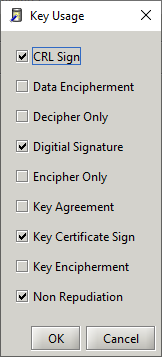
- Select the key usage:
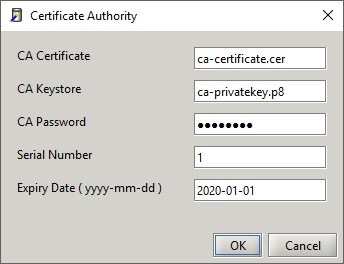
- Enter the certificate file, private key file, password, serial number and expiry date:
Create Certificate Authority processing steps
- Create private and public key (save private key in PKCS#8 format)
- Create X500 Name (X509 certificate subject)
- Set valid date range
- Set serial number
- Set basic constraint to CA, unlimited path length and flag critical
- Set key usage extension and flag critical
- Set subject alternate name extension (email)
- Set subject key id extension
- Set authority key id extension
- Sign and save X509 certificate (This is self-signed, subject and issuer are the same).