To create a new user defined discovery method:
- Select Manage discovery methods from the Tools menu, as shown in the following screenshot:

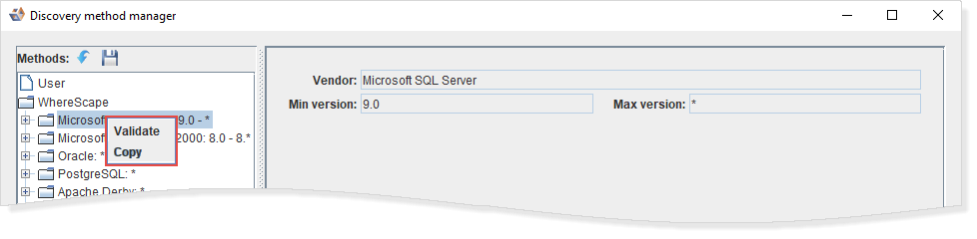
- Right-click on an existing User or WhereScape defined discovery method and choose Copy, as shown in the following screenshot:

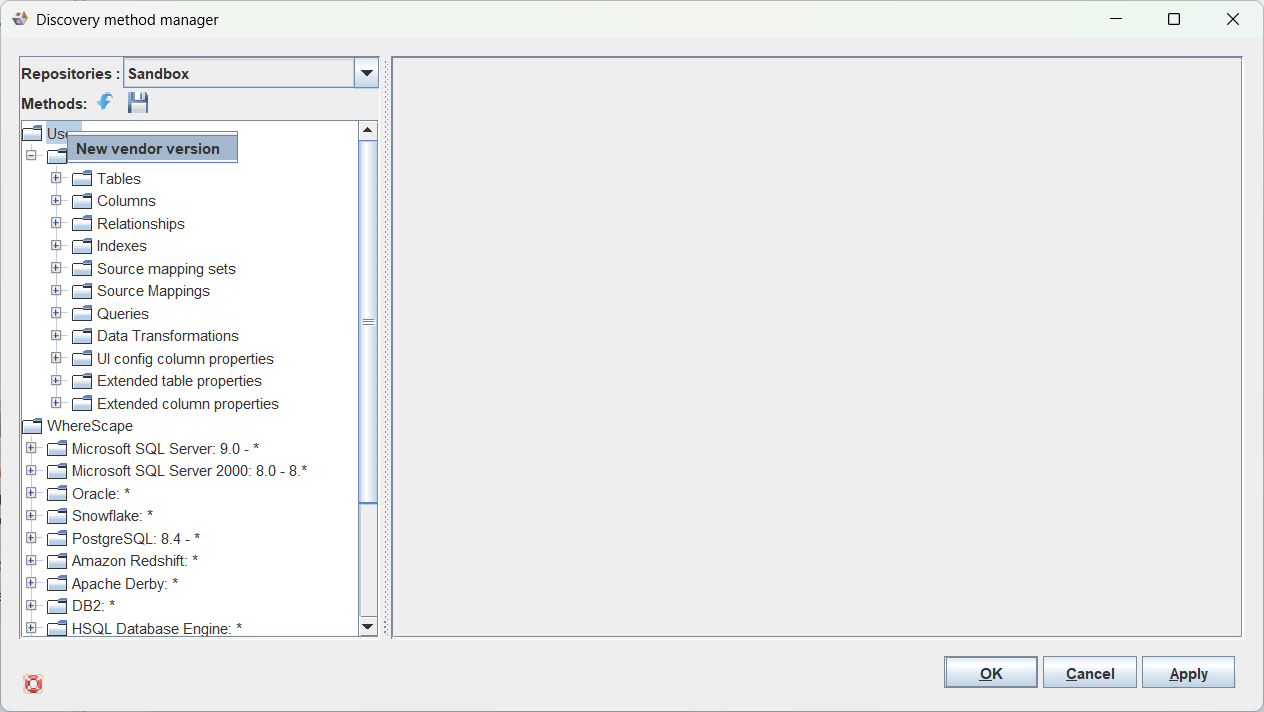
Alternatively, to create a new discovery method from scratch right-click on 'User' in the discovery method manager tree and select 'New vendor version'.
The Copy vendor version dialog is displayed, as shown in the following screenshot:

- Change the Name, Vendor, Min version and Max version as required and click OK.
An asterix * can be used as a wildcard for either the whole version number or the minor version number in both the Min version and max version. For example , 9., and 9.0 are all valid values for Min version and Max version and match any version, any version 9 release, or only version 9.0 respectively. The method will be allowed to be used for any version between Min version and Max version (inclusive).
An asterix * can be used as a wildcard for either the whole version number or the minor version number in both the Min version and max version. For example , 9., and 9.0 are all valid values for Min version and Max version and match any version, any version 9 release, or only version 9.0 respectively. The method will be allowed to be used for any version between Min version and Max version (inclusive).
Any User Defined Discovery methods created with a version of 3D prior to 2.4.0.0 match on the Version string returned by the RDBMS server. Leaving the version as * will allow the method to be used for any version. 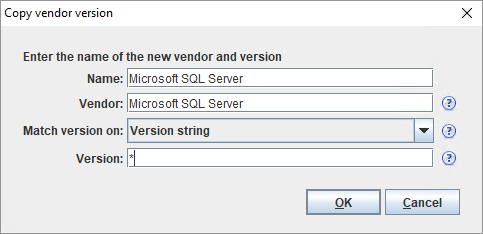
You need to assign the new discovery method to a model version for it to be used.
|
- The user defined methods can be edited as required—see details below.
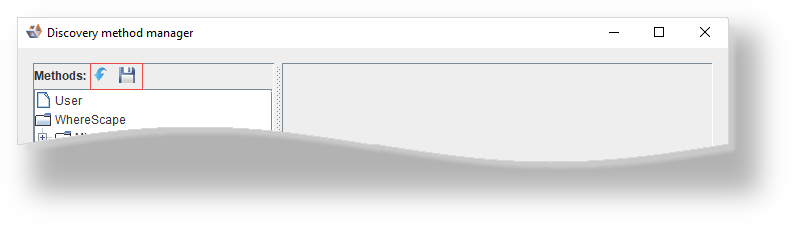
The toolbar enables you to perform the following:
- Import a method from a file
- Export a method to a file
Looking at the Discovery Method for Microsoft SQL Server - *, for example; you can view the discovery method for Tables:
- Table database
- Table schema
- Table name
- Table comment
- Table type
- View query
- Target location
- Table group

You can view the discovery method for Columns:
- Column name
- Column datatype
- Column datatype size
- Column datatype scale
- Column default value
- Column primary key ind
- Column unique ind
- Column nullable ind
- Column comment
- Column auto increment
- Column label
- Column charset
- Column type
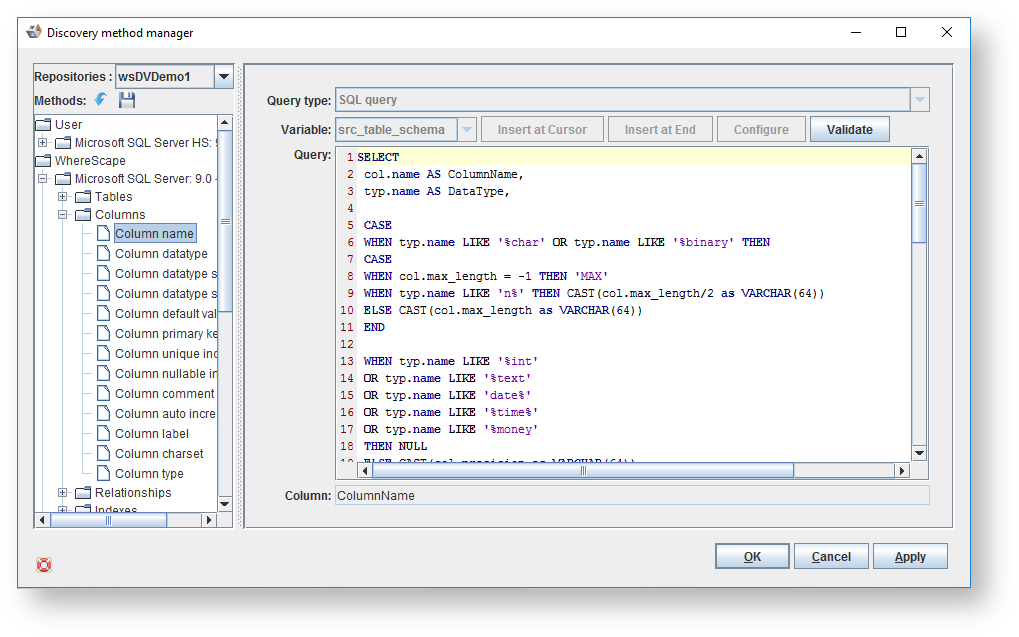
You can view the discovery method for Relationships:
- Parent column name
- Parent constraint name
- Parent sequence
- Ref database name
- Ref schema name
- Ref table name
- Ref column name

You can view the discovery method for Indexes:
- Index name
- Index type
- Index col order
- Index col name

You can view the discovery method for Source mapping sets:
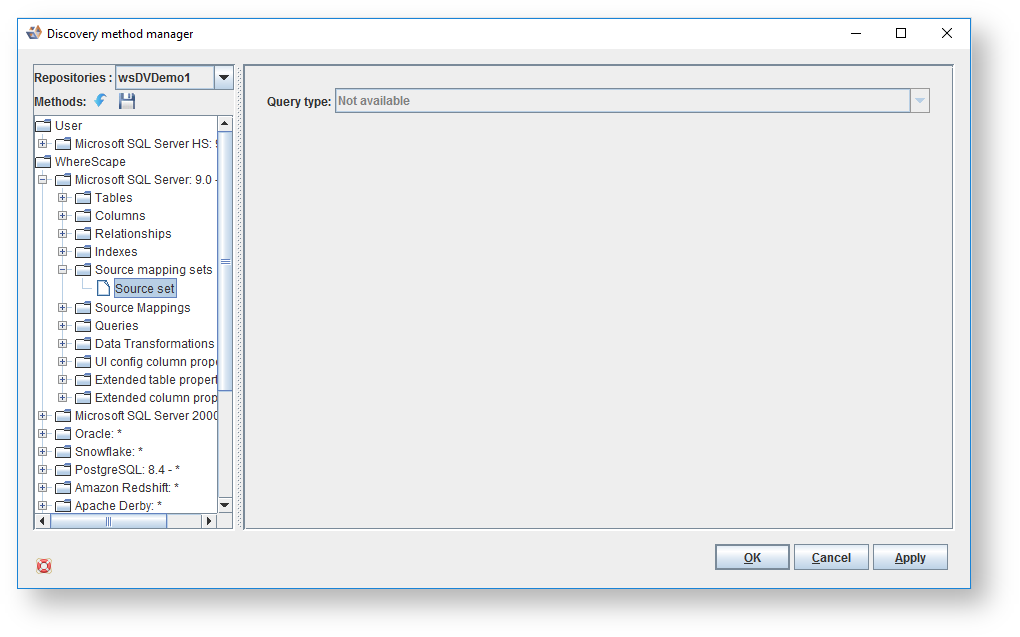
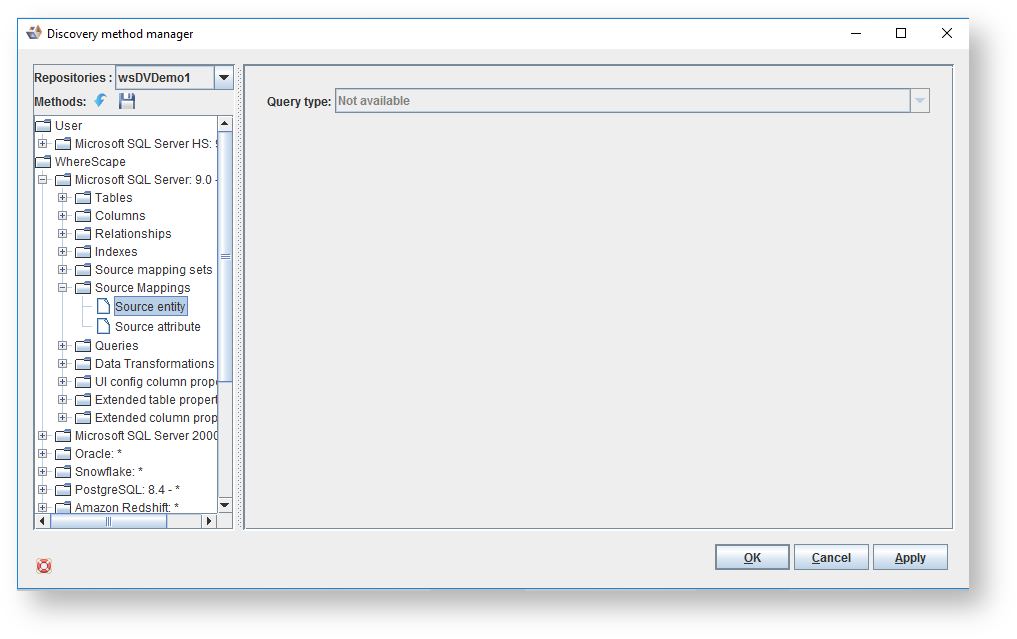
You can view the discovery method for Source Mappings:
- Source entity
- Source attribute
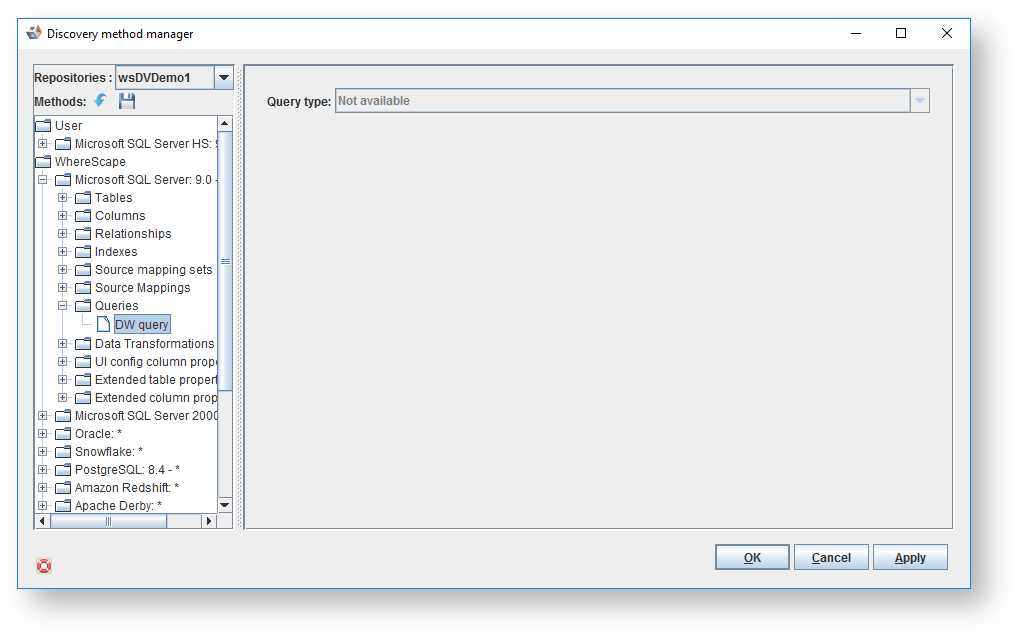
You can view the discovery method for Queries:
You can view the discovery method for Data Transformations:
- Transformation name
- Transformation condition
- Transformation description
- Transformation change
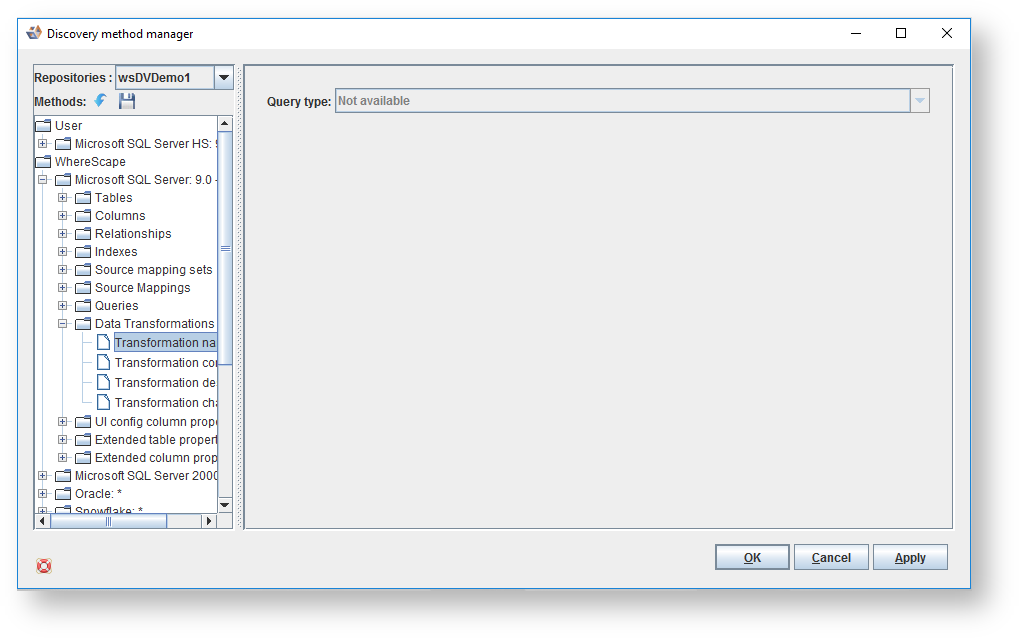
You can view the discovery method for UI config column properties:
- Property name
- Property value
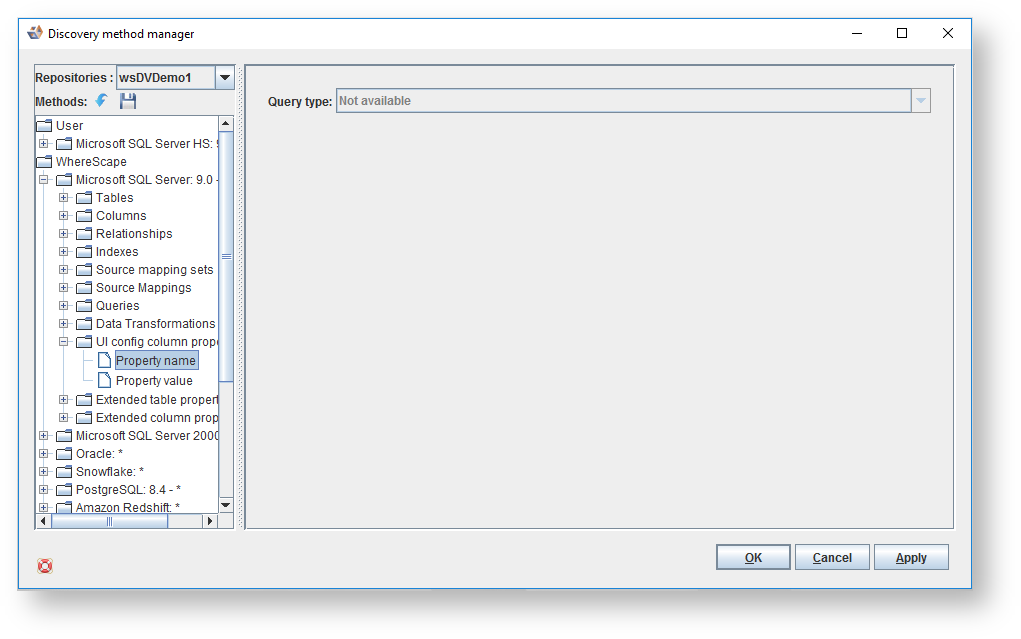
You can view the discovery method for Extended table properties:
- Extended property name
- Extended property value
- Extended property type

Lastly, you can view the discovery method for Extended column properties:
- Extended property name
- Extended property value
- Extended property type

The extended table properties and extended column properties enable you to import extra pieces of metadata for tables and columns respectively. |
To Validate or Copy a Vendor Version, use the right-click menu.