You can add details to be included in documentation to:
- Repositories
- Categories
- Connections
- Models
- Versions
- Groups
- Schemas
- Entities
- Attributes
For example, to add details to a model:
- Right-click on the model and choose Documentation:
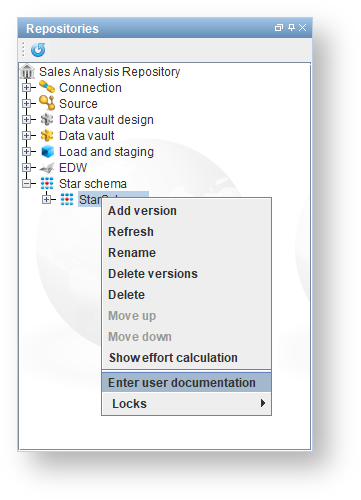
- Enter in your name as the author in the Author tab, for example:

- Click on the second tab and enter in some executive summary information on the Executive summary tab, for example:

- Repeat the process for other tabs, for versions, for entities and attributes.
There is a spelling checker used in documentation text areas. |