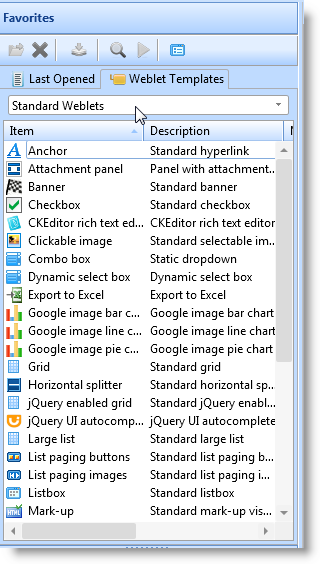
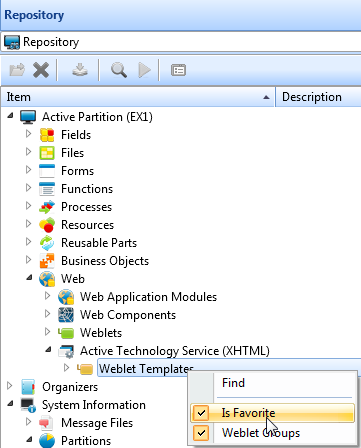
Hint: If Weblet Templates is not shown on your Favorites tab, select the Repository tab and expand Web / Active Technology and then use the right mouse menu to make Weblet Templates a Favorite. |
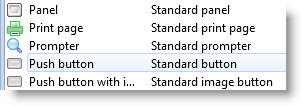
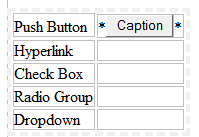
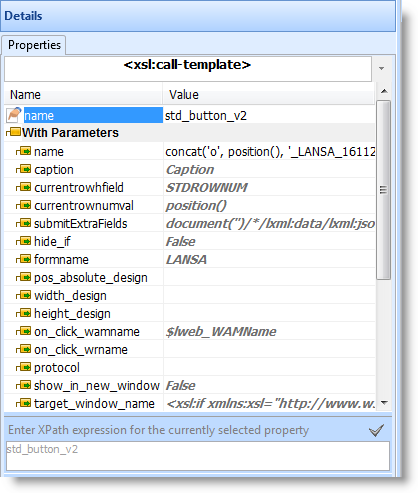
- In the Details View, click in the value column of the caption property and type in Press Me.
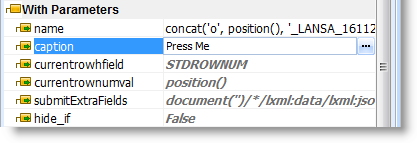
The button's caption will immediately change to Press Me.
If necessary, drag the right handle on the push button so that the caption is displayed as a single line.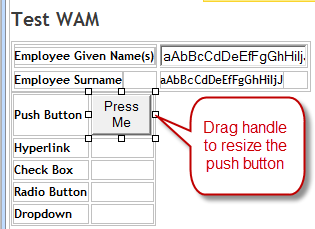
- Set the on_click_wrname property to ReentryTest by selecting this value from the value dropdown.
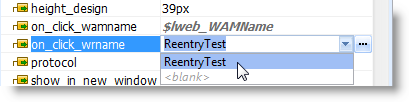
Note:
- You should always use the dropdown list to select this property rather than type it in, as spelling mistakes or typing errors are one of the biggest causes of problems at design time.
- Always complete the on_click_wrname property before the next step. The Design of… dialog uses the WebRoutine defined in the on_click_wrname property to populate the list of mapped fields in the Fields dropdown list.
- Click on the submitExtraFields property and then click the Ellipsis button to open the Design of …. dialog.

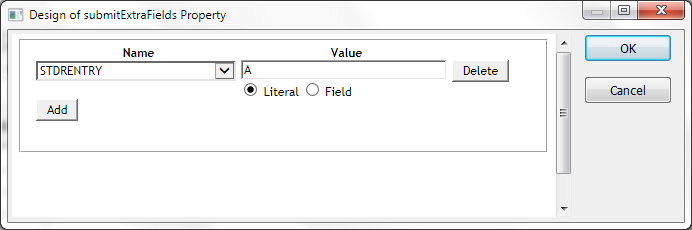
- Select the field STDRENTRY in the left hand Name field.
- Enter a value of A, in the Value column, leaving the Literal checkbox selected.
- Click OK to confirm your changes and close this dialog.
Note: The fields shown in the dropdown for the Name column in the Design of submitExtraFields Property dialog are the fields mapped for *INPUT or *BOTH for the WebRoutine which is defined as the on_click_wrname property for this weblet.
In Value, if you specify a:- Literal value, you are returning a fixed, hard coded value for this field when this button is clicked.
- Field, you are returning the field value when this button is clicked.
Hint: With the push button selected you can use the arrow keys to move left or right into the table cell. |
     When Value_Is(= B)
     Message Msgtxt("Hyperlink was clicked.")
Notice that you are not required to change the on_click_wamname or on_change_wamname. By default these values will be the WAM name that initiated the web page.
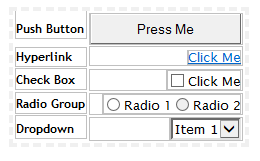
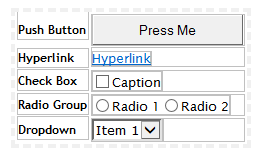
Your page should now appear as follows: