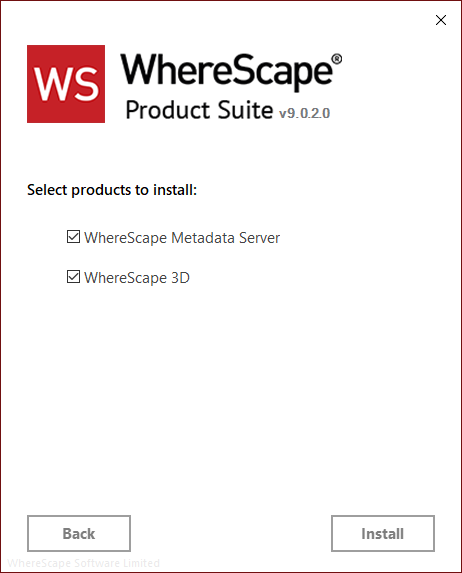
| WhereScape Metadata Server is required to run WhereScape 3D. |
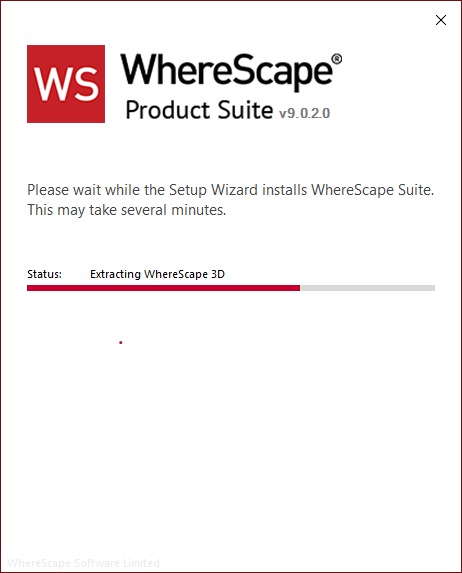
To install WhereScape 3D and the WhereScape Metadata Server:
| WhereScape Metadata Server is required to run WhereScape 3D. |
After the extraction process is completed, the next step is to install and configure the products you selected.