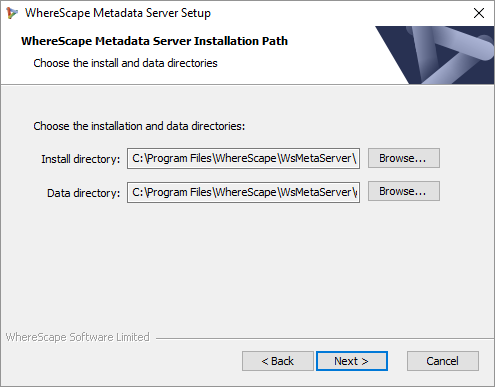
- Confirm the Install directory and Data directory for the WhereScape Metadata Server.
- Click Next. The WhereScape Metadata Server Configuration screen is displayed, as shown in the following screenshot:
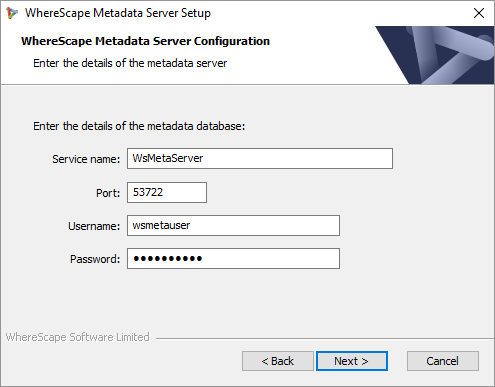
- Enter a Service name for the metadata database. Default is WsMetaServer.
- Enter a Port number. Default is 53722.
- Enter a Username for the metadata database. Default is wsmetauser.
The Username specified is referred to as the superuser details in WhereScape products. - Enter a Password of the metadata database. Default is wsmetauser.
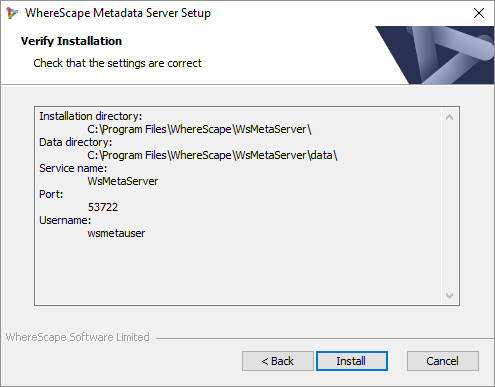
- Click Next. The Verify Installation screen is displayed, as shown in the following screenshot: