Select an existing model version and select from the Workflow pane.
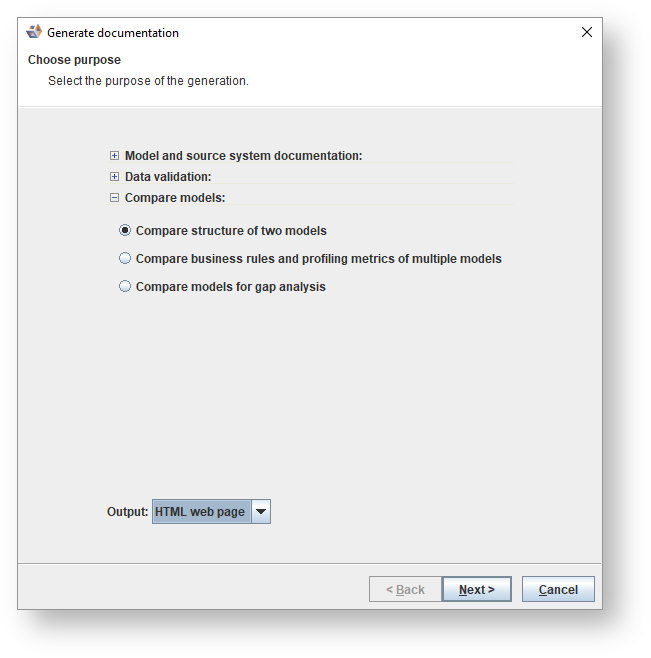
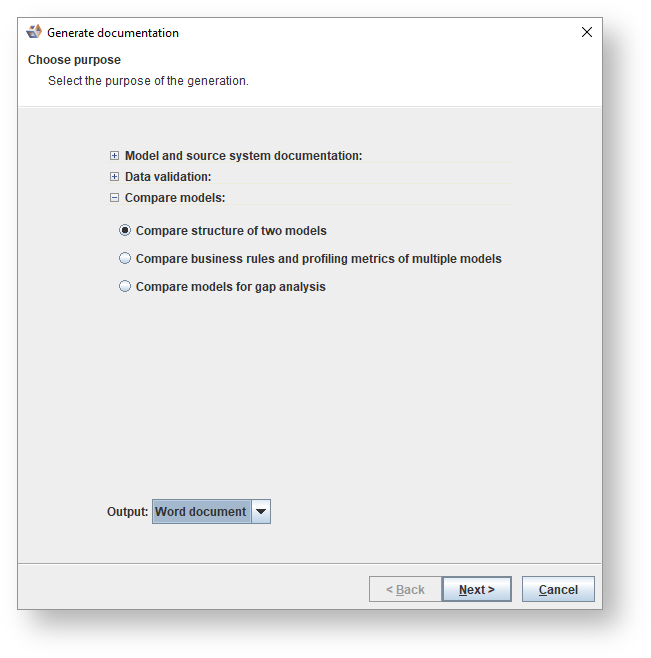
Select Compare structure of two models as the purpose of the generation.
To display the documentation, select Display.
Click Next to continue.
Select the two models to be compared and click Display.
HTML
To create an HTML web page, selectHTML web page. ClickNextto continue.
Select the two models to be compared and clickNextto continue.
Setup which items are to be included in the generation. ClickNext.
The location where the document will be saved will differ according to your user name. ClickGenerate.
The settings for documentation generation are remembered.
Word
To create a word document, selectWord document. ClickNextto continue.
Select the two models to be compared and clickNextto continue.
Select the items to be included in the generation. ClickNext.
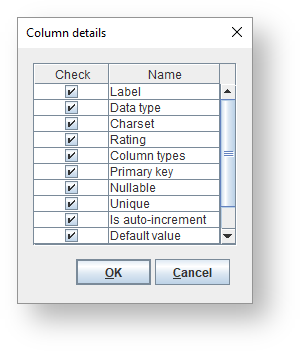
IfEntity detailsorAttribute detailsare selected, you can customize the details to be compared by clicking theConfigurebutton next to the respective check-box.
The location where the document will be saved will differ according to your user name. ClickGenerate.
The settings for documentation generation are remembered.
 from the Workflow pane.