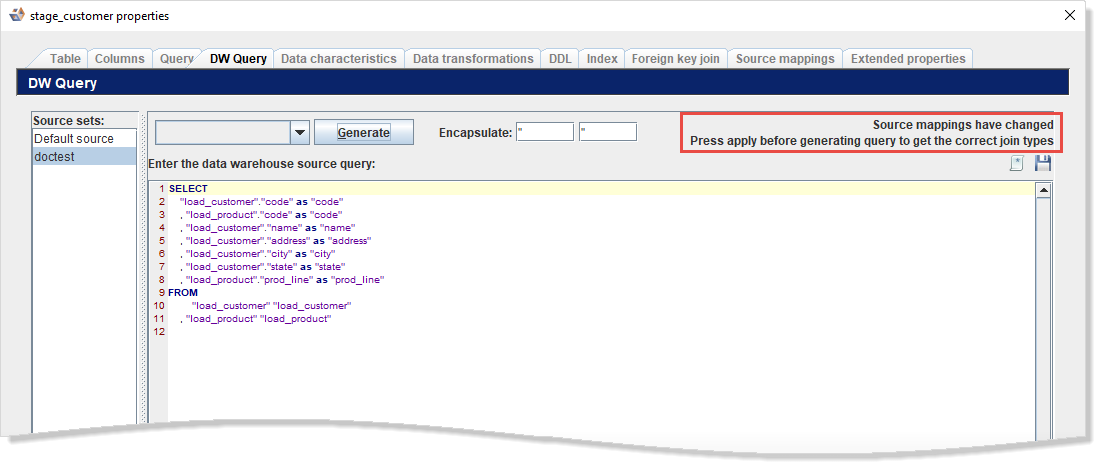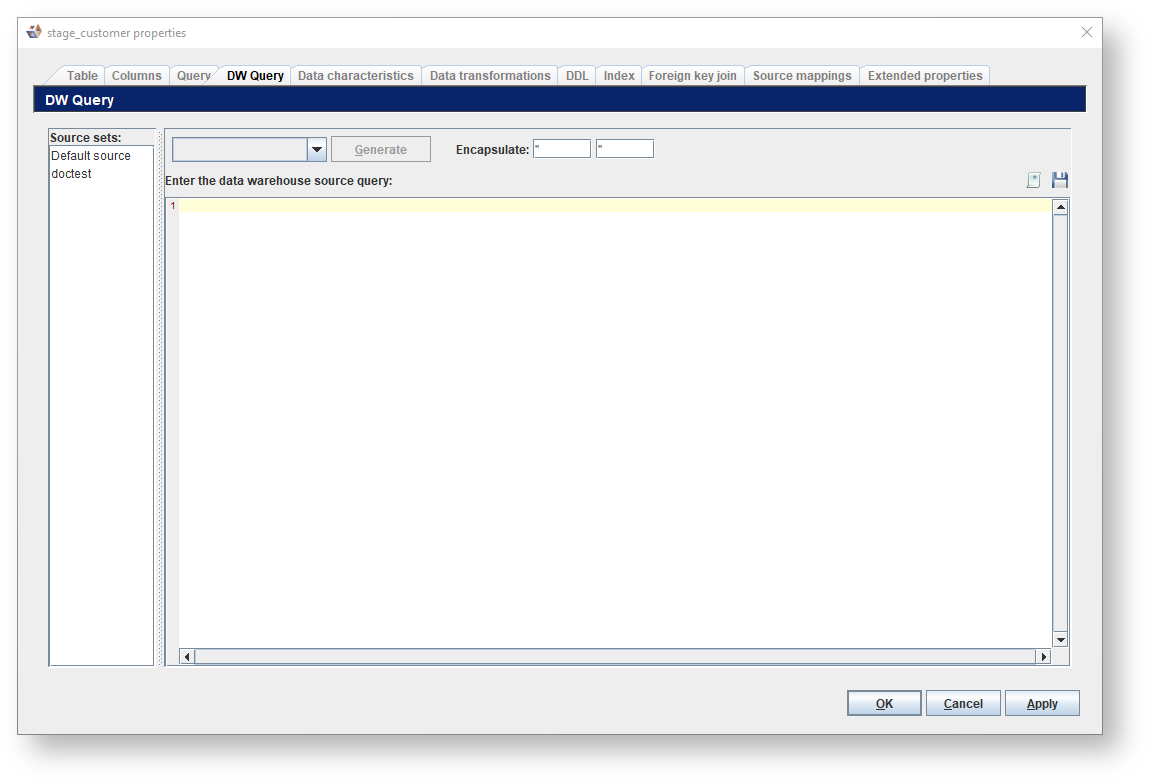
If a DW query was previously entered or generated it is shown in the query editor pane.
To generate a new DW query for the entity:
You can customize the DW queries on individual entities in the DW Query tab in the Entity Properties dialog. DW queries are used to populate a table from its direct source tables, for example populating a dimension from its stage table(s).
If a DW query was previously entered or generated it is shown in the query editor pane.
To generate a new DW query for the entity:
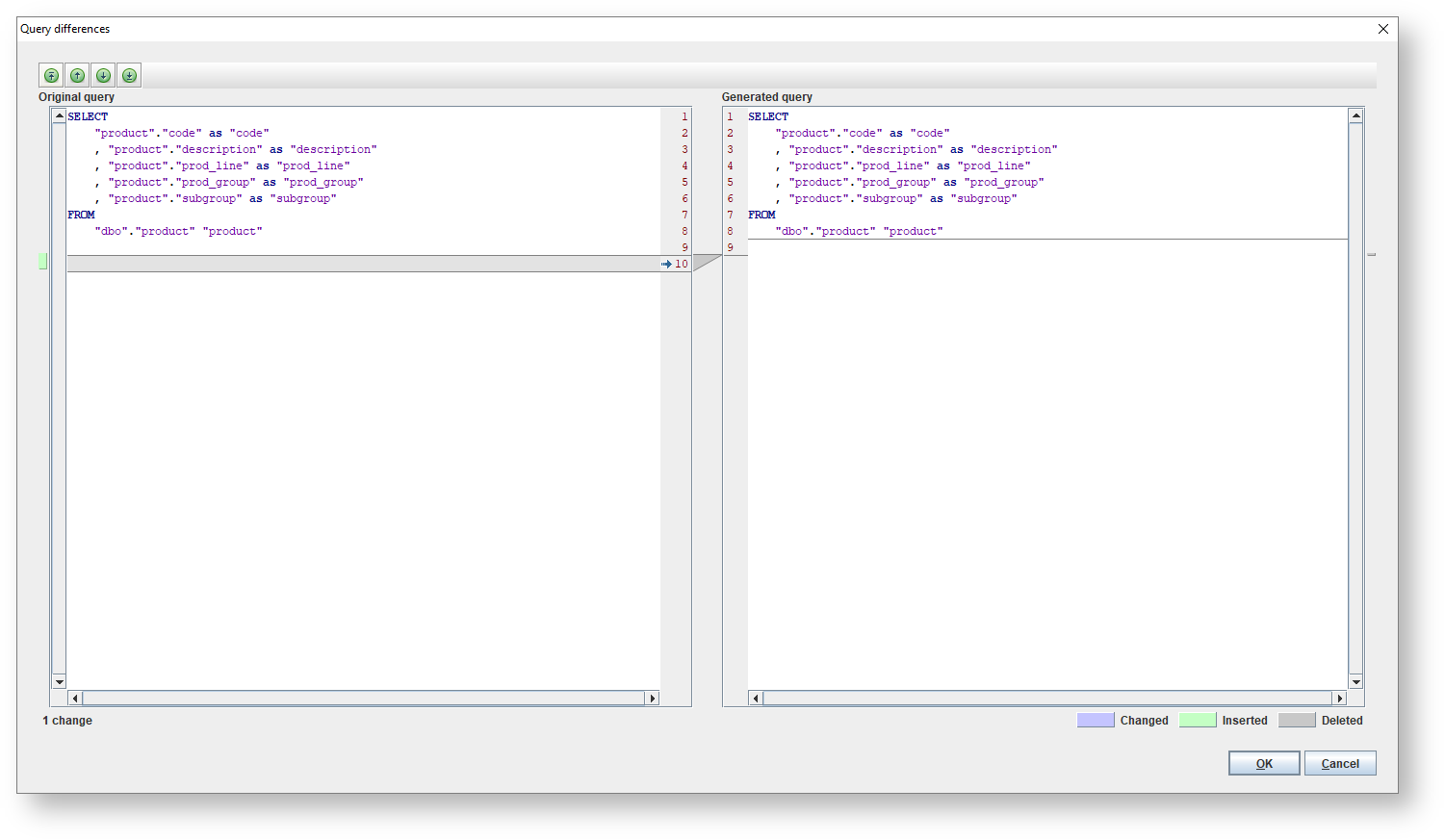
 . Refer to Inserting a Stored SQL Query for details.
 . Refer to Storing SQL Queries for details.
If you have made changes in the Source Mappings tab before editing the query, you must apply those changes before the query generation detects them. A label is shown in the top right corner of the Query tab in this scenario.
|