The search function is then displayed at the bottom of the screen as follows:

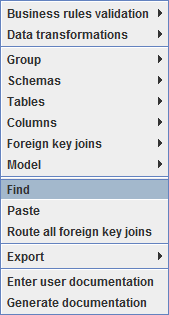
To bring up the search function in the diagram, right-click on the white space in the diagram and choose Find or press Ctrl F.
The search function is then displayed at the bottom of the screen as follows:
Icons/ Fields | Description |
|---|---|
| Click to Close the search. |
| Enter a search criteria in the search field. |
| Click to Find Previous match. |
| Click to Find Next match. |
Case sensitive | Select the checkbox to make the search case sensitive. |
Drop-down list | Select one of the following drop-down options to refine your search.
|
Search number | The display on the right of the search toolbar indicates the number of occurrences found within the diagram. |



