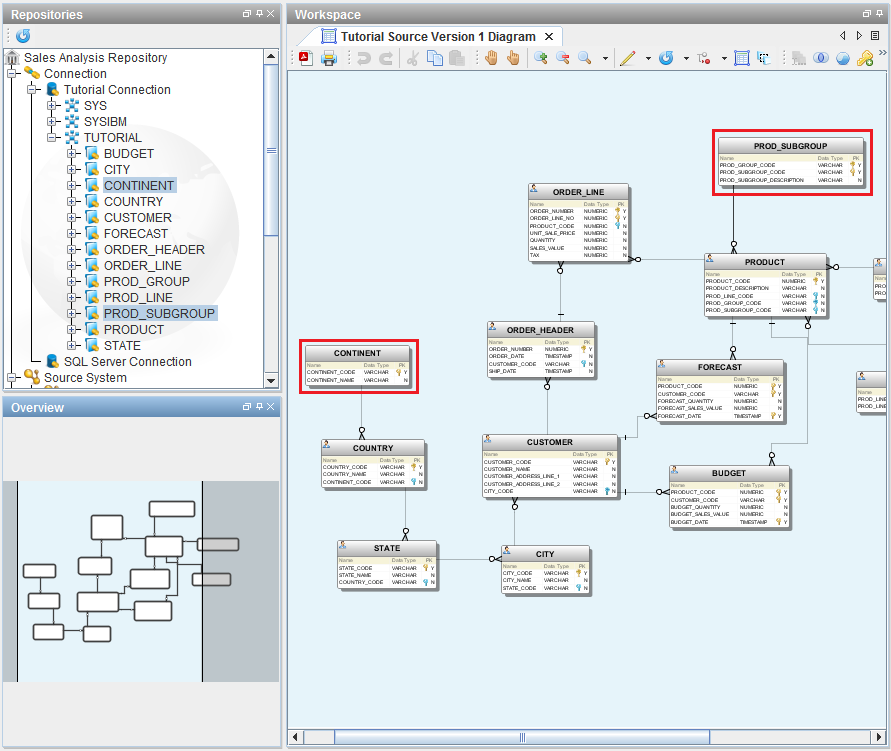
The following example demonstrates how we can drag and drop tables from an expanded connection into the diagram:
- Here we have a discovered tutorial model and the tables are displayed in the diagram; tables Continent and Prod_Subgroup are not present.
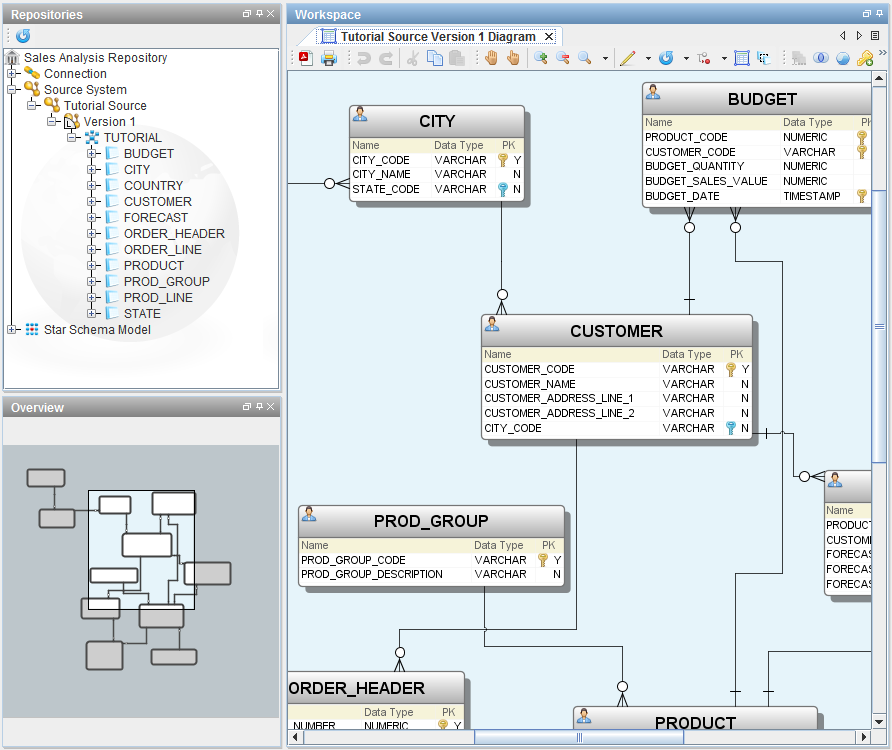
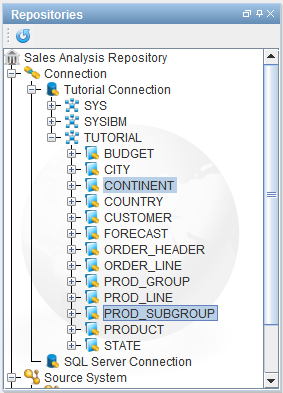
- Now expand the Connection and click on Continent, then cntrl-click on Prod_Subgroup and drag them into the open model diagram.
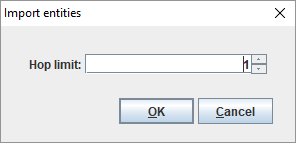
- Enter a hop limit of 1 and click OK.
- Now click on the Layout icon
 to refresh the model layout.
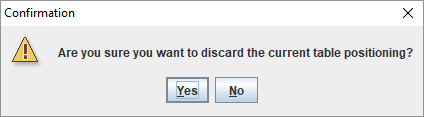
 - Click Yes to confirm a refresh of the diagram.
- You will see that the tables Continent and Prod_Subgroup have been added to the model and are now displayed in the diagram.