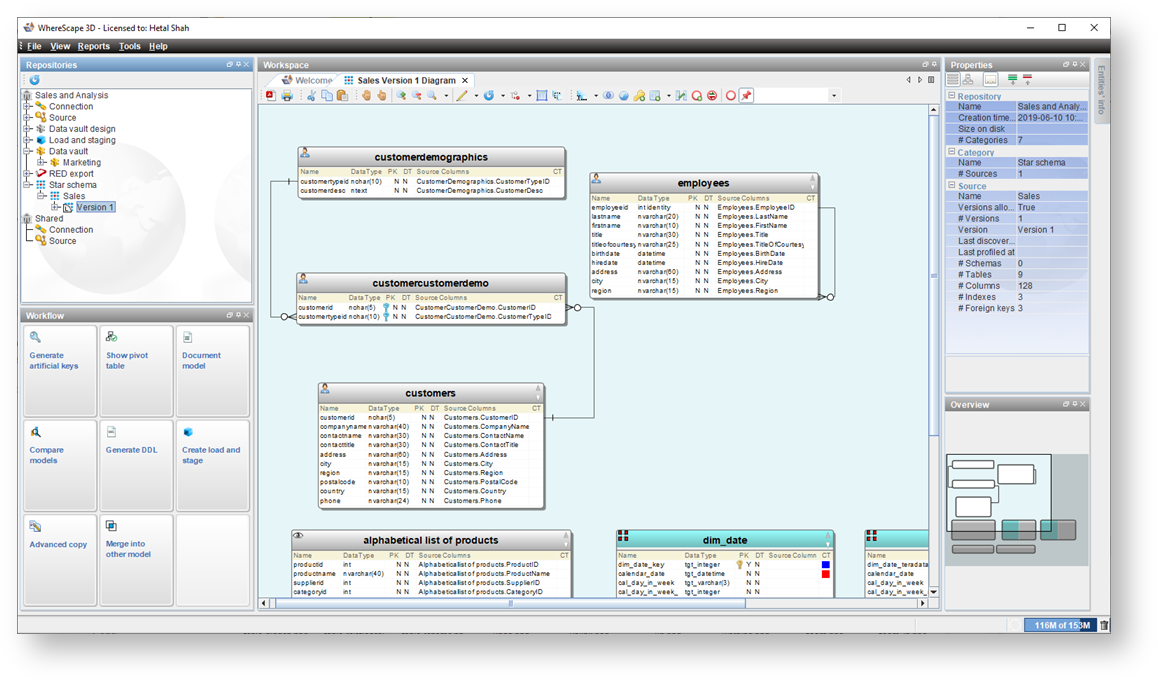
Create star schema from the Workflow pane.
The Create star schema-Category configuration dialog is displayed.

- Click on an entity type, click
 and modify the Name Prefix and Name suffix for the selected entity type.
 - Click on an attribute, click and modify the name for the selected attribute.
The Create star schema - Model definition dialog is displayed.

The Create star schema - Initial core concept design dialog is displayed.

The diagram is displayed.