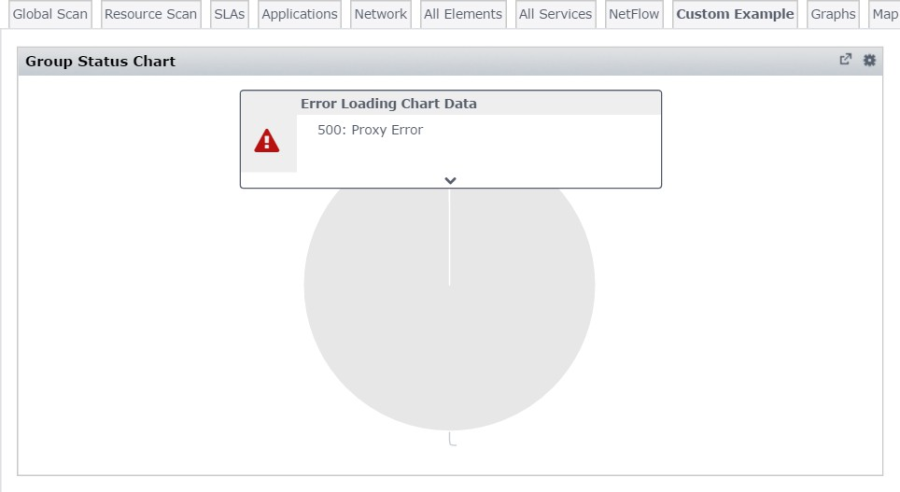
If you are encountering errors in your Dashboard Gadgets like the image below after upgrading to Uptime IM 7.7, the steps in this knowledge base article should resolve the errors.
To resolve this issue
<uptime_dir>\controller\etc\keystore to keystore_old.<uptime_dir>\controller\generate_keystore.bat.<uptime_dir>\apache\conf\httpd.conf, and add "SSLProxyCheckPeerExpire off" under the "# ssl proxy settings" section. For example:# ssl proxy settings LoadModule ssl_module modules/mod_ssl.so SSLProxyEngine on SSLProxyCheckPeerExpire off ProxyPass /api https://uptime:9997/api retry=0 ProxyPassReverse /api https://uptime:9997/api |
If the errors persist or new errors appear, please reach out to Uptime IM Support at uptime-support@idera.com for further investigation.