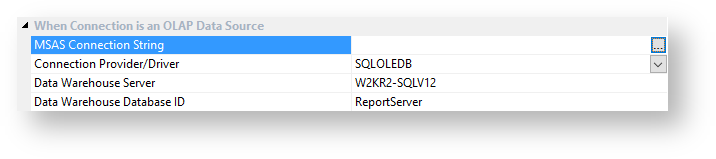
In the Data Warehouse Properties screen, the fields in the section When Connection is an OLAP Data Source are required.
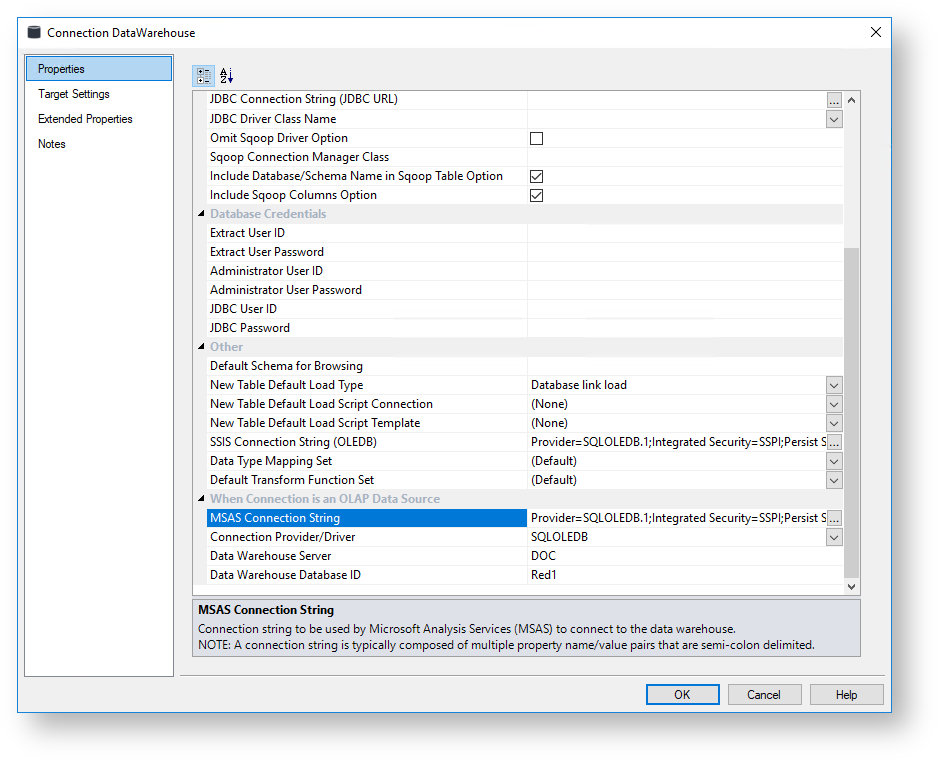
Before we can create an OLAP cube, we first need to set up the data warehouse to be used as a source for Analysis Services cubes.
In the Data Warehouse Properties screen, the fields in the section When Connection is an OLAP Data Source are required.
Fields | Description | |
|---|---|---|
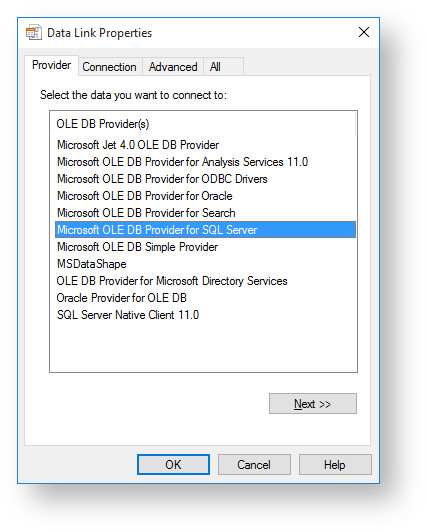
MSAS Connection String | Connection string to be used by Microsoft Analysis Services (MSAS) to connect to the data warehouse.
| |
Connection Provider/Driver | Name of the Connection Provider/Driver to use to connect to the data warehouse database when it is used as the data source for OLAP cubes. Set to SQLOLEDB for SQL Server, TDOLEDB for Teradata. | |
Data Warehouse Server | Data Warehouse Server Name, which is used when the data warehouse is used as the data source for OLAP cubes.Set this to the TDPID for Teradata. | |
Data Warehouse Database ID | Data Warehouse Database Identifier (e.g. Oracle SID or TNS Name, Teradata TDPID) or Database Name (e.g. as in DB2 or SQL Server), which is used when the data warehouse is used as the data source for OLAP cubes. |