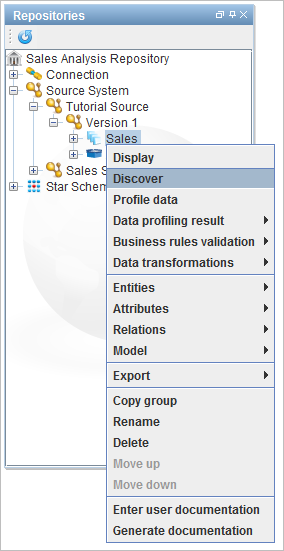
To run the discovery process at any other time, select an existing model version and select
 Discover from the Workflow pane.
Discovery is run automatically when creating a model that references a connection.
To run the discovery process at any other time, select an existing model version and select Discover from the Workflow pane.
Discovery can also be run on an individual group or schema by right-clicking on the group or schema in the tree and choosing Discover. |
From the Choose discovery type window, select Quick, Full or Custom radio button, as shown in the following screenshot:
The only option when running discovery on a file is to perform a full discovery. |
If the discovery process does not detect any foreign key constraints in the source database, the following dialog is displayed: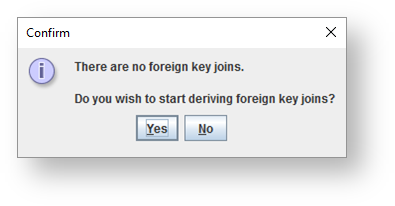
Refer to Derive Foreign Key Joins Wizard for details on the foreign key wizard.
After discovery has completed, the diagram for the model version is displayed.