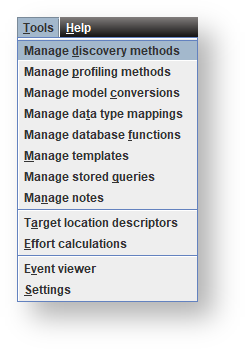
- Tables
- Columns
- Relationships
- Indexes
- Source mapping sets
- Source Mappings
- Queries
- Data Transformations
- UI config column properties
- Extended table properties
- Extended column properties

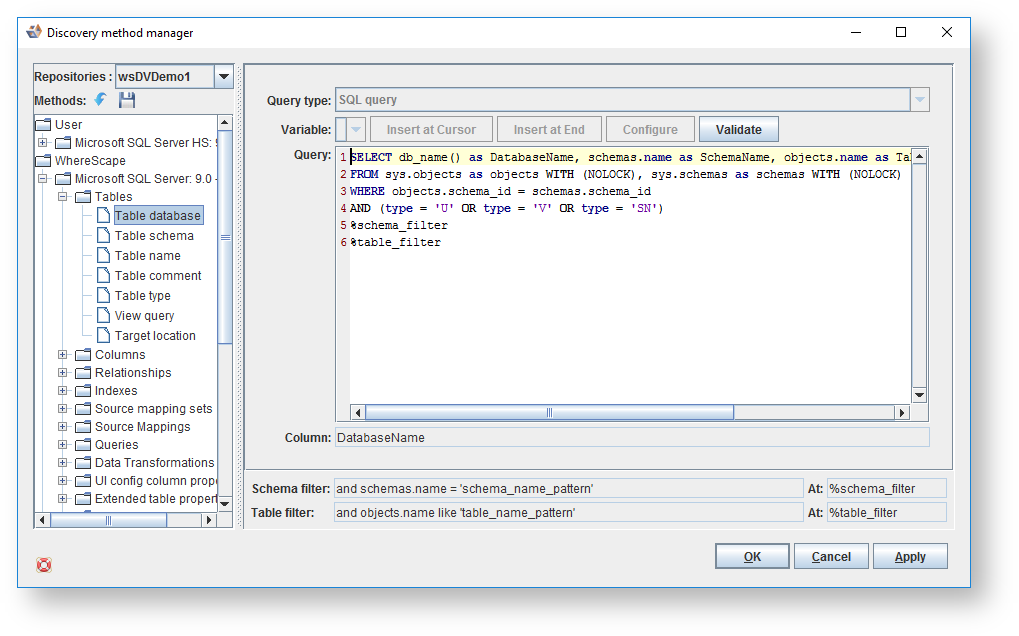
- Table database
- Table schema
- Table name
- Table comment
- Table type
- View query
- Target location
- Table group
- Column name
- Column datatype
- Column datatype size
- Column datatype scale
- Column default value
- Column primary key ind
- Column unique ind
- Column nullable ind
- Column comment
- Column auto increment
- Column label
- Column charset
- Column type

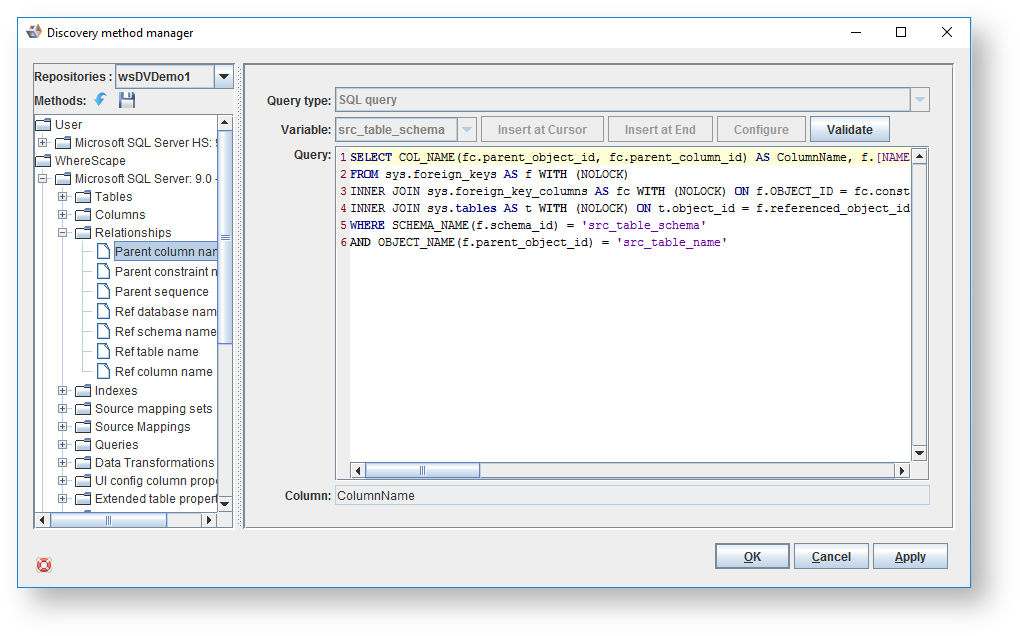
- Parent column name
- Parent constraint name
- Ref database name
- Ref schema name
- Ref table name
- Ref column name
- Index name
- Index type
- Index col order
- Index col name

- Source Set

- Source entity
- Source attribute

- DW query

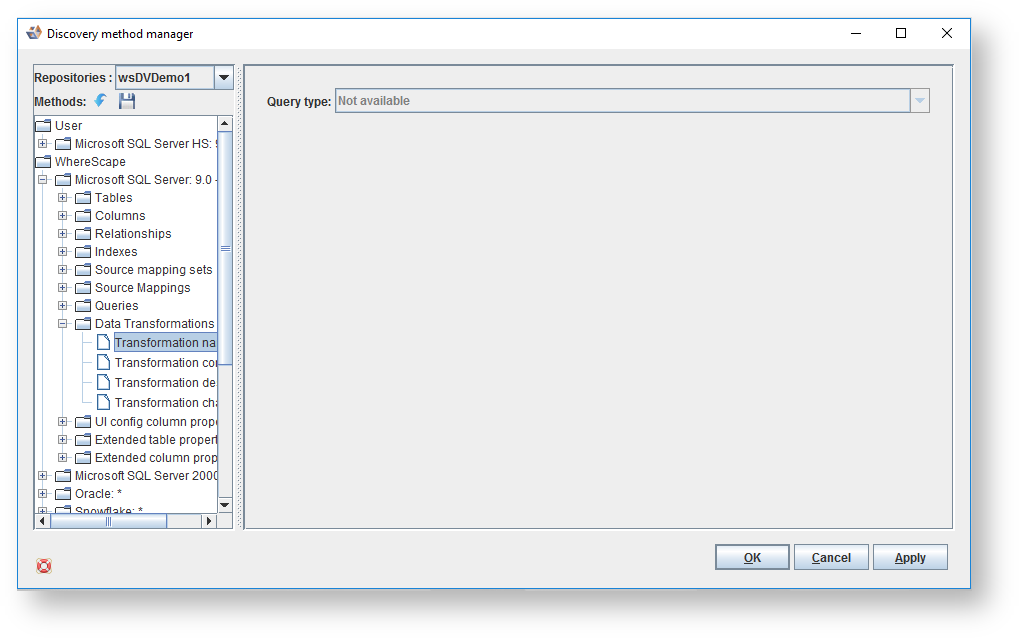
- Transformation name
- Transformation condition
- Transformation description
- Transformation change
- Property name
- Property value

- Extended property name
- Extended property value
- Extended property type

- Extended property name
- Extended property value
- Extended property type
