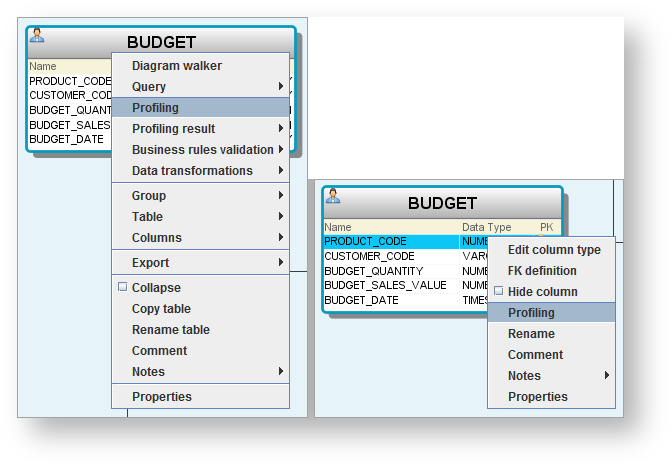
Profile data from the Workflow pane.
Profiling is run automatically after a model is discovered for the first time. Profiling can be run again for an individual entity or attribute from the diagram; or it can be run for a model version, group, schema, entity or attribute, from the repository tree.
Profile data from the Workflow pane.OR