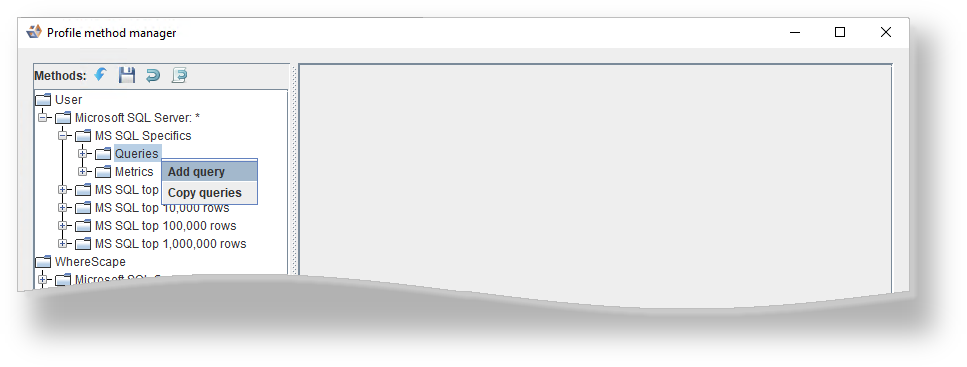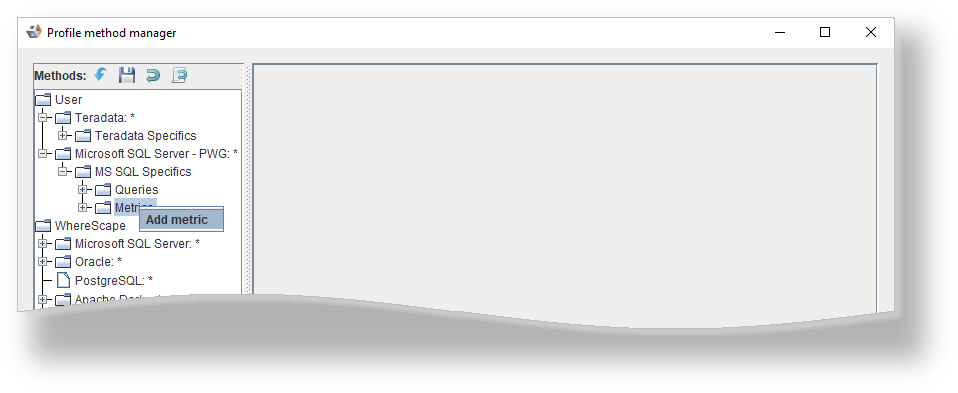

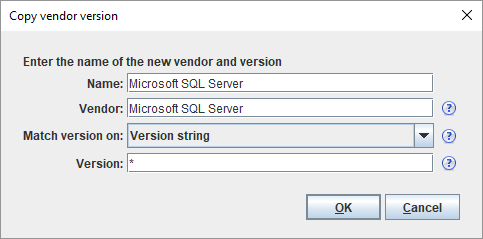
Change the Name , Vendor and Version as required and click OK .
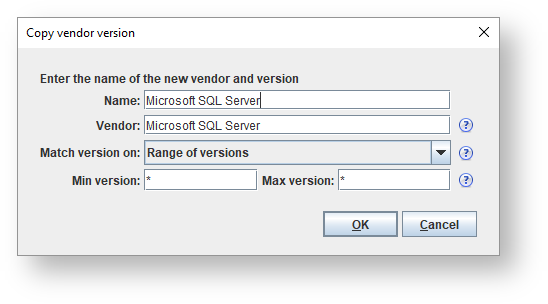
An asterix * can be used as a wildcard for either the whole version number or the minor version number in both the Min version and max version. For example , 9., and 9.0 are all valid values for Min version and Max version and match any version, any version 9 release, and only version 9.0 respectively. The method will be allowed to be used for any version between Min version and Max version (inclusive). Any User Defined Profiling methods created with a version of 3D prior to 2.4.0.0 match on the Version string returned by the RDBMS server. Leaving the version as * will allow the method to be used for any version.
|
The toolbar enables you to perform the following:
Icons | Definition |
|---|---|
| Click to import a method from a file. |
| Click to export a method to a file. |
| Click to reset a method from last save. |
| Click to restore a method from last backup (before the last save) |


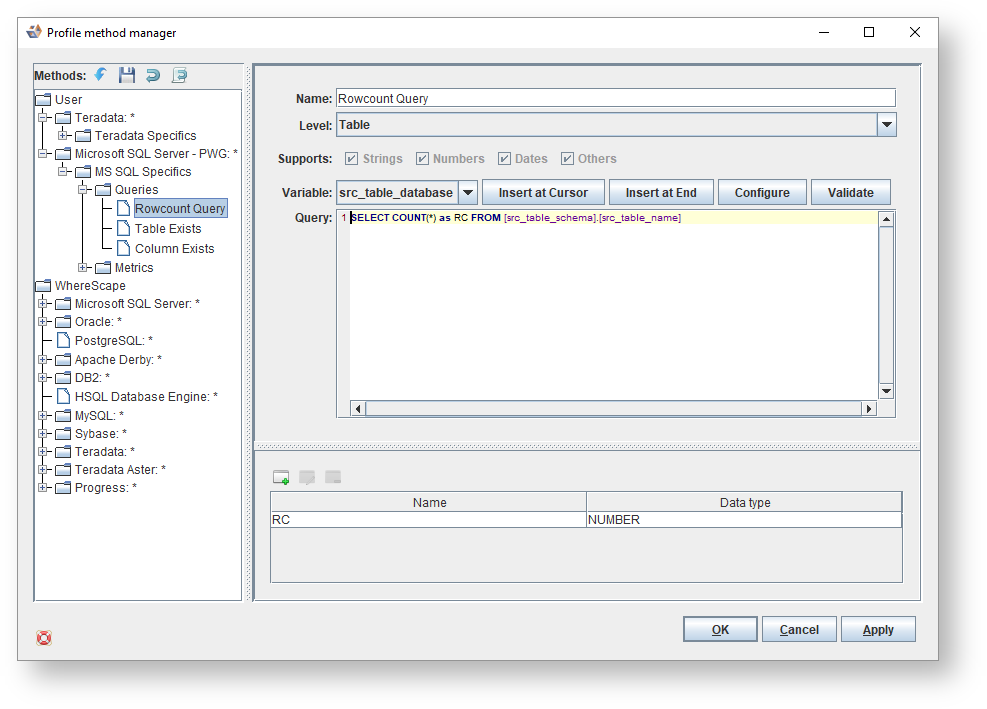
Looking at the Profiling Method for MS SQL Specifics for example; you can configure the profiling on Queries for: