To delete a repository:
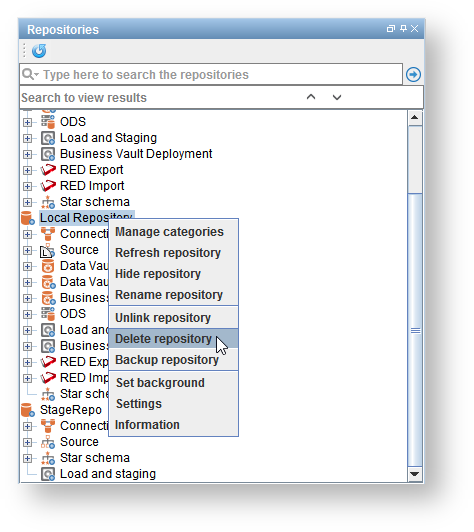
- Right-click on a repository and choose Delete repository.
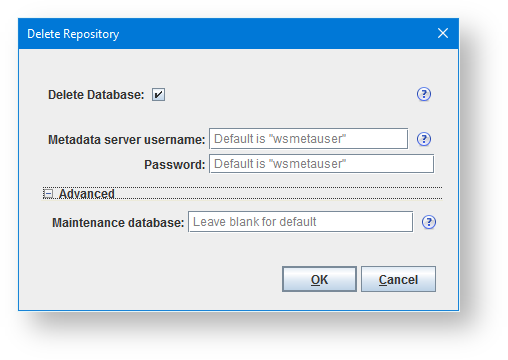
- On the Delete Repository dialog, enter the credentials for the user with permissions to drop databases. If you don't want to delete the database uncheck Delete Database
- Click OK.
- The repository has been removed from your repository list in the top left pane.
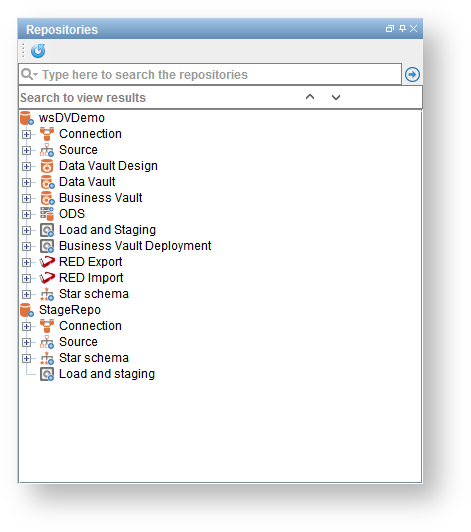
The database has been deleted.