 Import from external format from the Workflow pane. The Import dialog is displayed.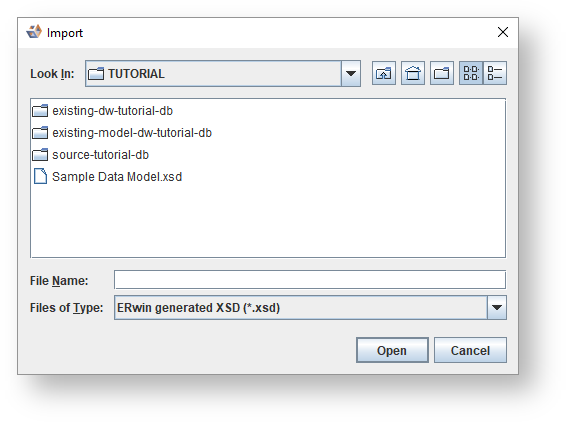
- ERwin xsd (*.xsd)
- PowerDesigner conceptual, logical and physical models (*.cdm, *.ldm, *.pdm)
- Common warehouse metamodel (*.xmi)
- 3D xml (*.xml, *.ws3d)
To import a diagram from an external format:
Import from external format from the Workflow pane. The Import dialog is displayed.The diagram is imported and displayed as with the local import above.