An example of a Ratings file would be a text file: ratings.txt: |

- Clear the Has header row checkbox to not include the header row for the columns.
- Select the Is rating name case sensitive checkbox if the rating name is case sensitive.
- Select the Is entity/attribute name case sensitive checkbox if the entity/ attribute name is case sensitive.
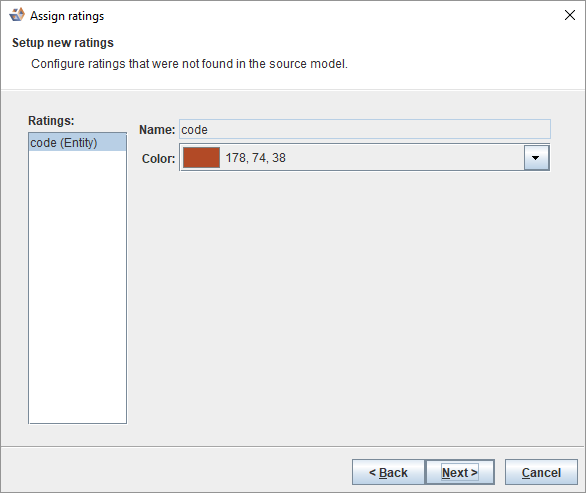
If there are new ratings in the import file, the Setup new ratings dialog is displayed.
|