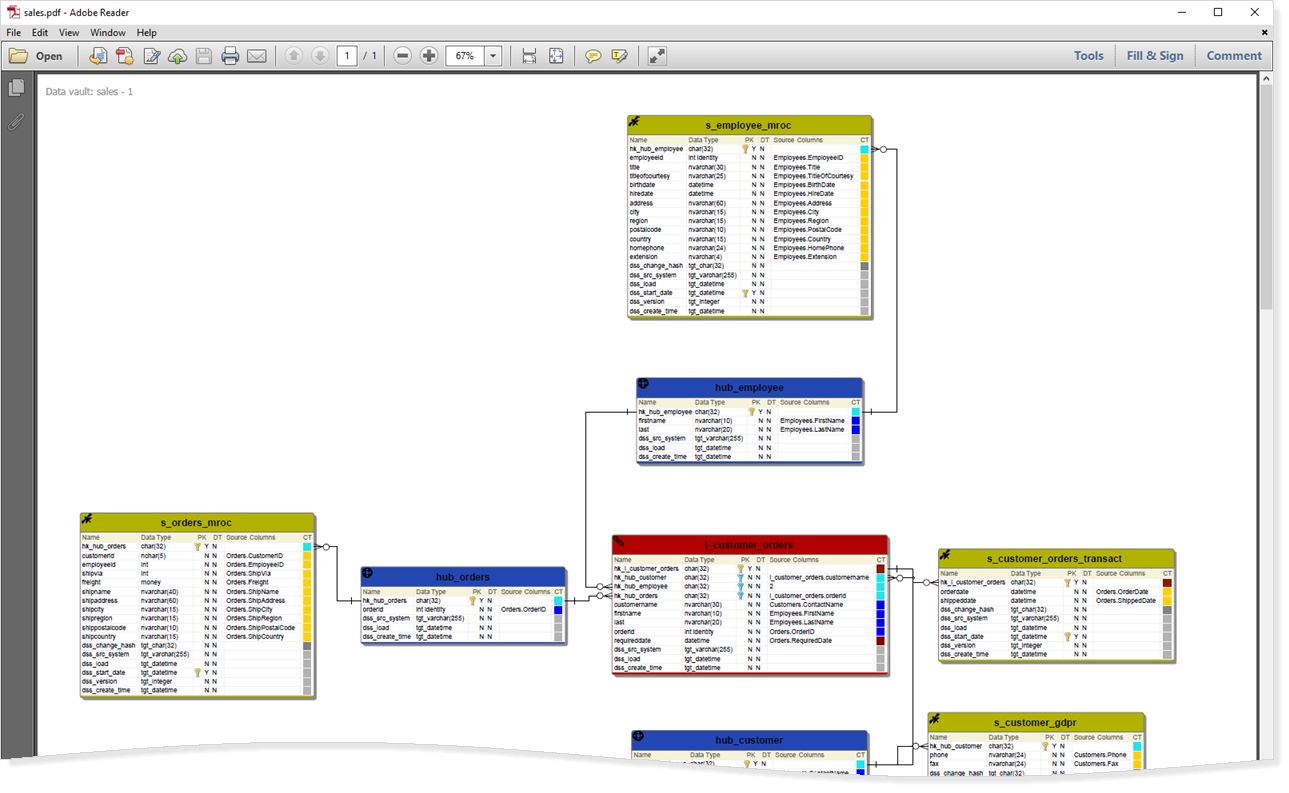
To save a diagram as a PDF:
- Click
 Save button in the toolbar.

- Choose the destination:
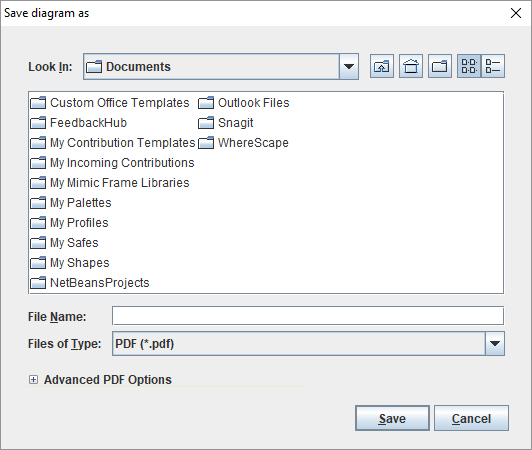
- Enter the File Name:
- For the File type, choose between PDF, SVG or XML.
- For a PDF file, there are the Advanced PDF options, enabling you to choose:
- Page size
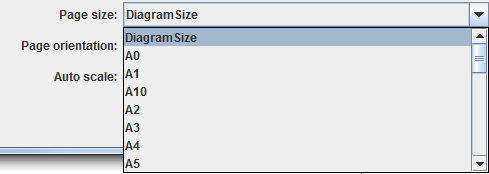
- Page orientation

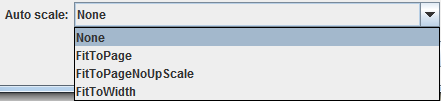
- Auto scale
The pdf appears as follows: