 Assign table types from the Workflow pane. The Assign table types dialog is displayed.
 to specify the tables to be included or excluded using SQL wild cards and click Next.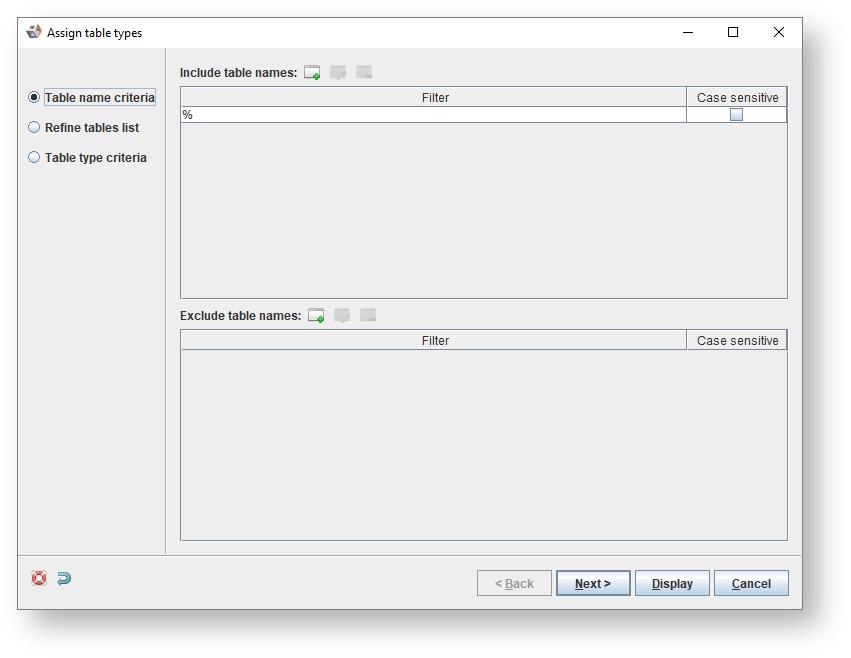
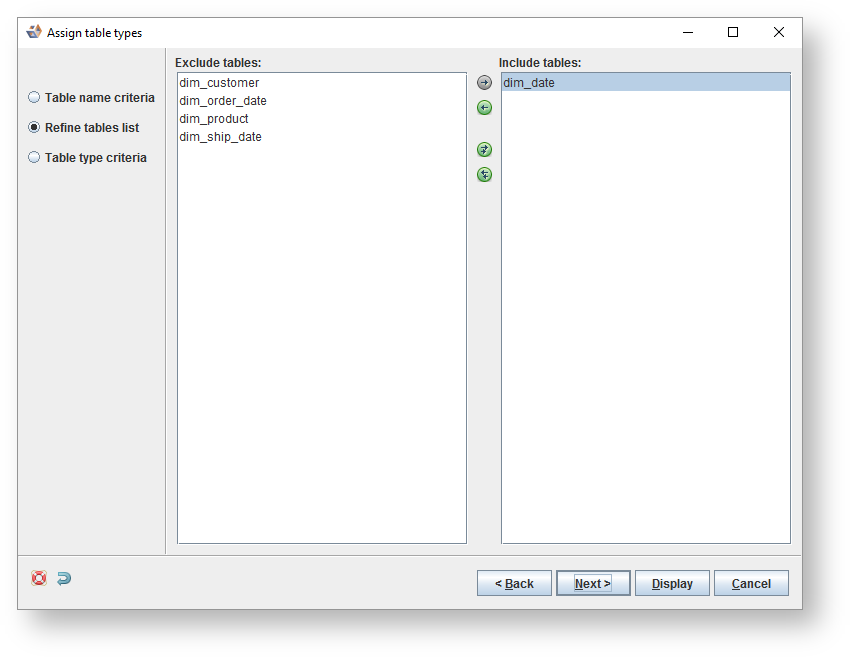
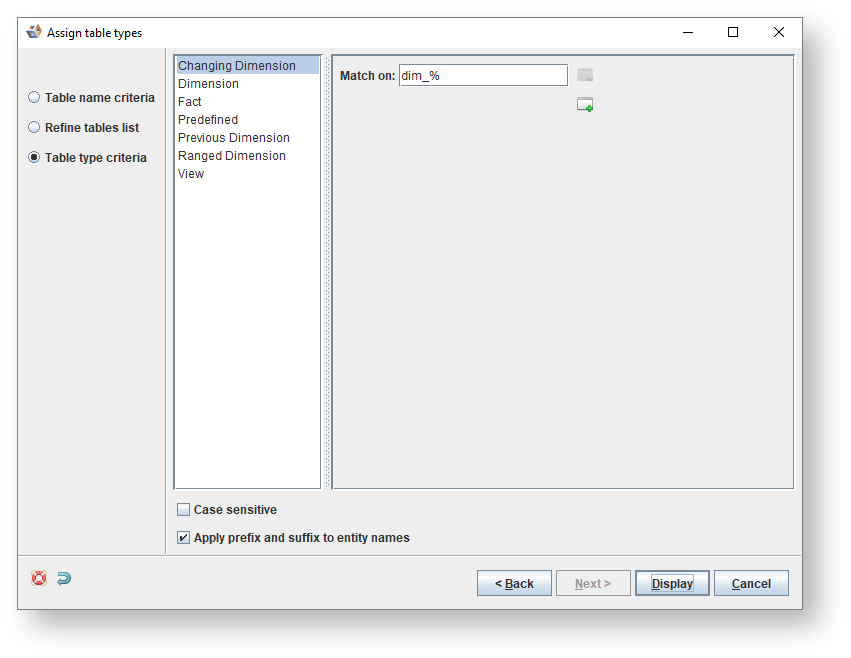

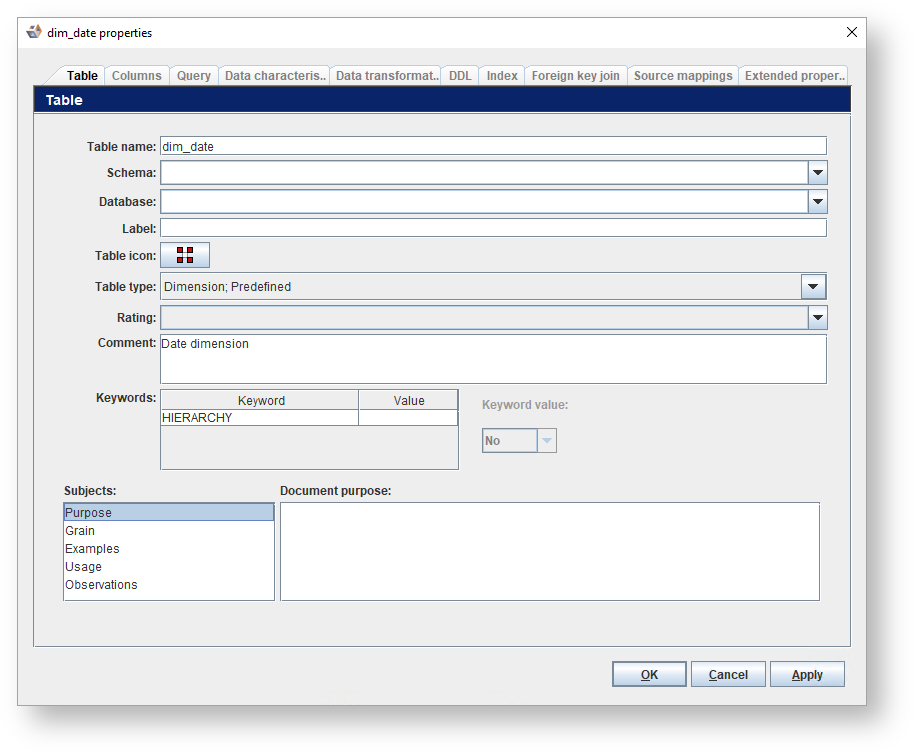
To assign table types within a model version...
Assign table types from the Workflow pane. The Assign table types dialog is displayed. to specify the tables to be included or excluded using SQL wild cards and click Next.