in the Rules pane.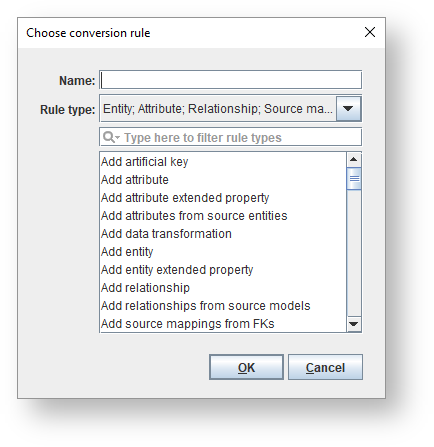
in the Rules pane.Use the options displayed on the right pane to configure a rule. Click Apply and then OK to save.
Use the drop-down menu to the left of the rule Name to Enable, Disable or flag the rule for a Snapshot. Refer to Managing Model Conversions for details. |
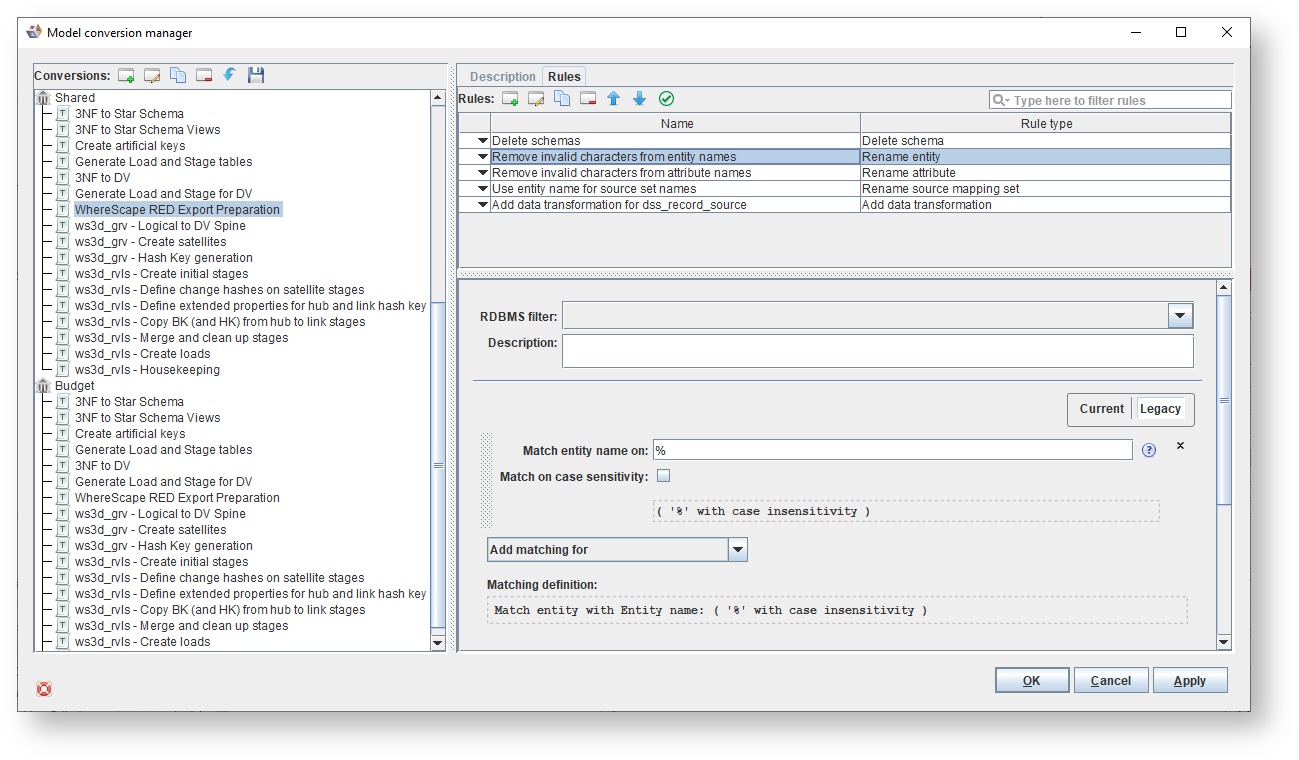
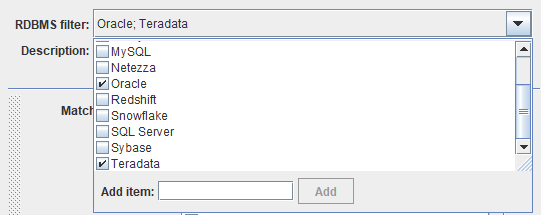
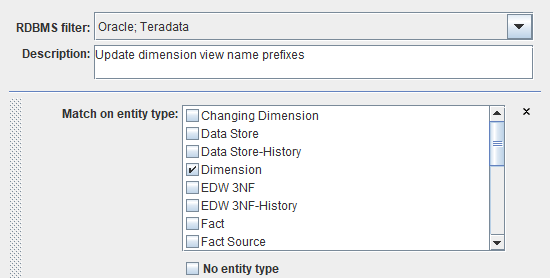
If the rule should only be applied for specific RDBMS, select them in the RDBMS Filter drop-down menu. If nothing is selected, the rule is always applied when the model conversion is run. |
Icons | Description |
|---|---|
| Click to Add a conversion rule. |
| Click to Edit the selected conversion rule. |
| Click to make a Copy of the selected conversion rule. |
| Click to Delete the selected conversion rule. |
| Click to move the selected conversion rule Up. |
| Click to move the selected conversion rule Down. |
| Click to Validate the selected conversion rule. |