This report shows the entities per model.
The report displays a list of entities and then maps those entities to the selected models; thus, showing which entities exist in each model.
In the left pane, select the repositories, categories, models and versions that you wish to be included in this report.
Selecting a checkbox in the tree will automatically drill down the tree from that point, selecting all of its checkboxes. |
Click  to export the report to CSV.
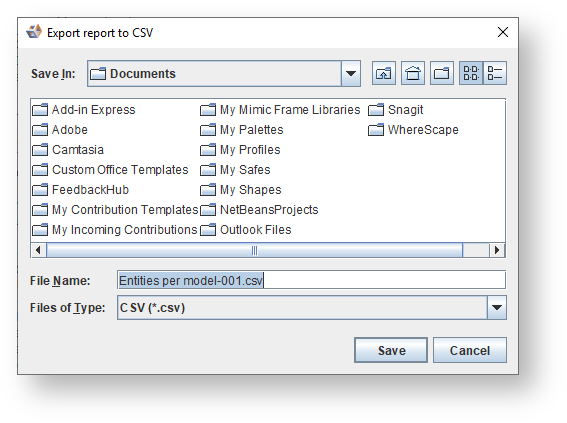
In the dialog that follows, change the File Name if required and click Save.