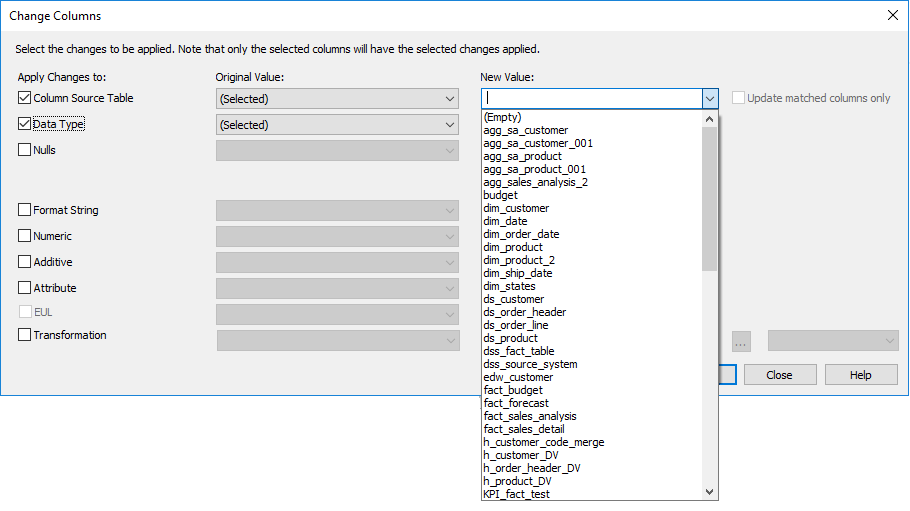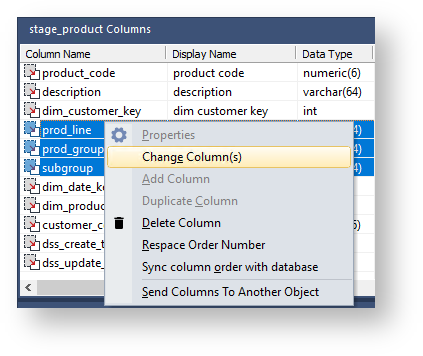
Select the relevant check boxes in the left pane to specify the properties to be changed. Selecting a check box enables you to change the value for that field in the column properties.
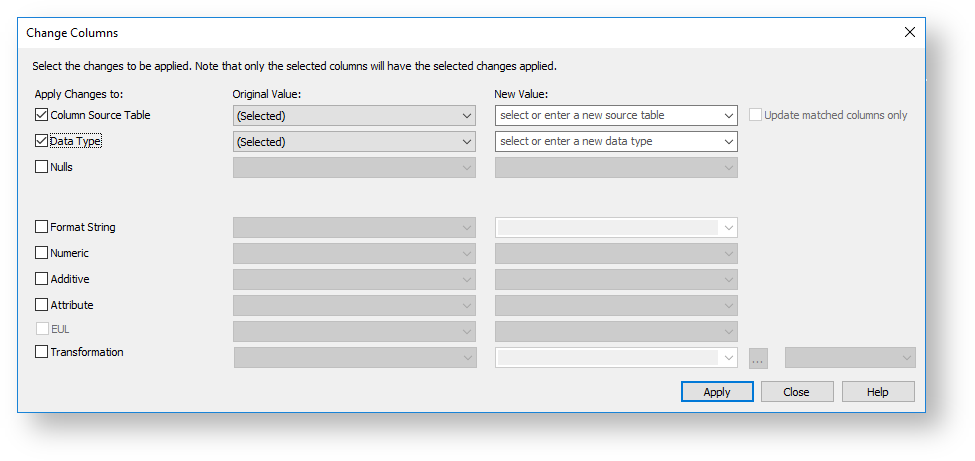
In the Original Value column, select the value(s) to be changed.