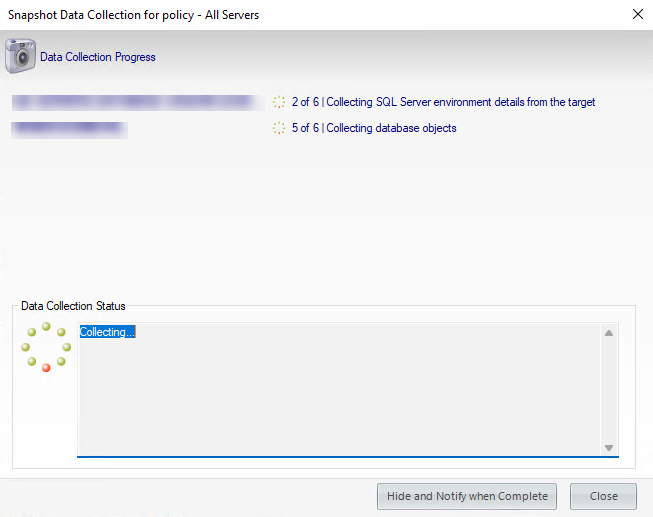
To immediately collect a data snapshot (audit a SQL Server instance), you can take them from the following locations:
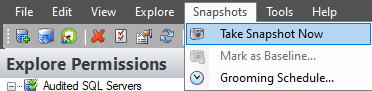
- Snapshots menu - Take Snapshot Now option
- Security Summary view - Take a Snapshot option in the ribbon menu options from the Summary, Settings, or Users tabs.

- Explore Permissions view - Take Snapshot option located in the SQL Server Properties of the Server Summary when you click a server of the Audited SQL Servers tree.

- Explore Permissions view - Take Snapshot Now option located on top of the Snapshot Summary when you click an existing snapshot of the Audited SQL Servers tree.

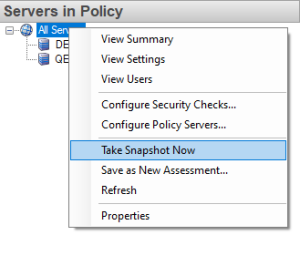
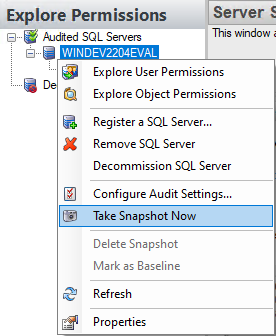
- Right Click the server to audit, select Take Snapshot Now from the context menu. You can right-click a server from the Security Summary view (Server in Policy tree) or Explore Permissions view (Audited SQL Servers tree).
- To take a snapshot of all your registered servers at once, from the Servers in Policy view right-click All Servers and select Take snapshot .