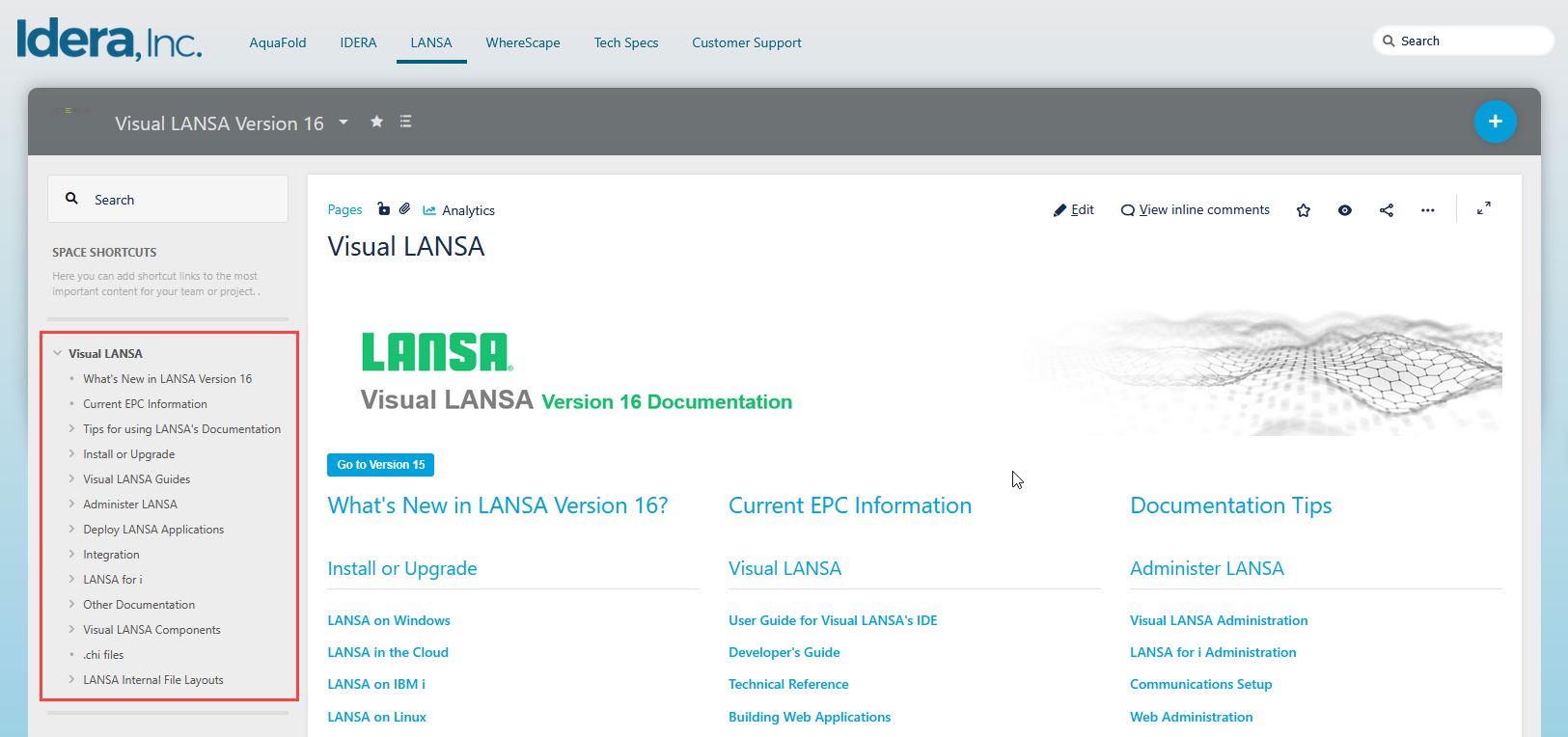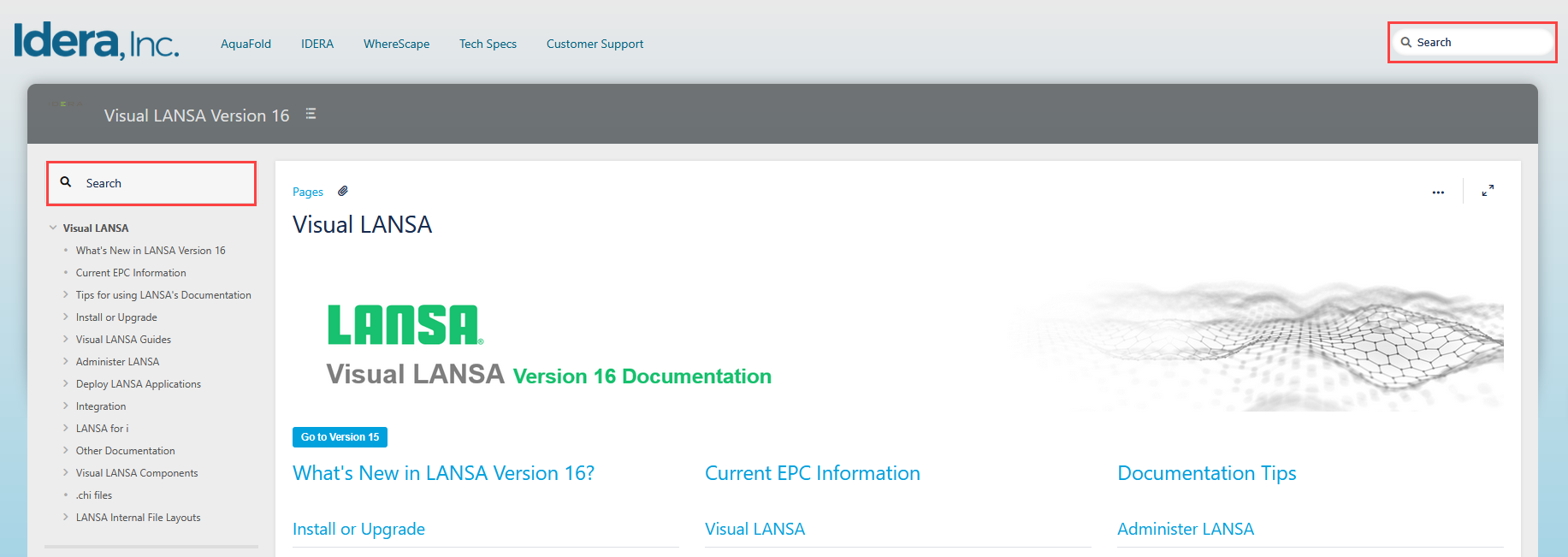
You can also go to docs.lansa.com and search for documentation for versions 14, 15, and 16.
For version 16, you can use the search bars of Confluence.
You can also go to docs.lansa.com and search for documentation for versions 14, 15, and 16.
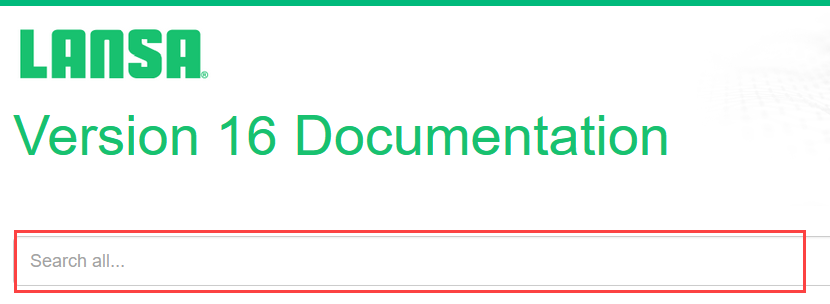
The Google search entry box is on the main contents or Home page. This search is limited to LANSA documentation, so you should not pick up unrelated documentation from another site.
To search for multiple words, enclose your words in double quotation marks.
| Google may not correctly locate words containing special characters such as @. |
If you arrive at a page through a Google search or from an F1 context help response, you may see search bars at the top of the page.
Search for guides by typing the name or words related to the content, and a list of pertinent pages appears.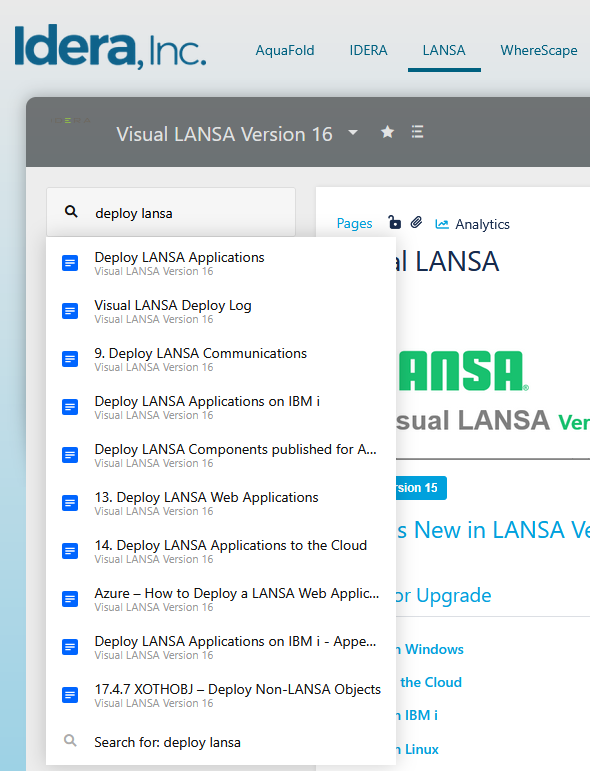
Click on the title, and the page opens.
If you wish to go to the Home page, use the Table of Contents on the left side of the page.