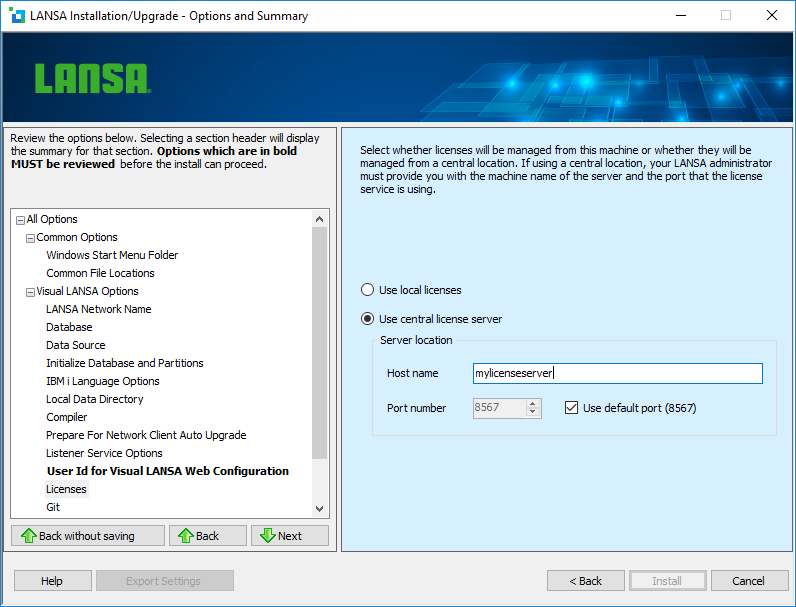
You require a valid license to use Visual LANSA. Licenses can be managed from your local machine or from a central license server. If using a central license server, your LANSA administrator will provide you with the machine name on which the license server is installed and the port that it is using.
Select this option if the licenses will be managed on the machine where the LANSA configuration is being installed. Licenses will have to be configured using the LANSA License Manager.
Your LANSA administrator must provide you with the machine name on which the license server is installed and the port that it is using.
Specify the name or address of the machine on which the LANSA license server is located. This will either be the machine name or the IP address (for example, 12.4.1.56).
Specify the TCP/IP port number that has been assigned to the LANSA license server.
The port number shown on the dialog will be used as the default.